
What Is USB4? Speeds, Cables, and Thunderbolt Compatibility Explained
USB-C is the plug; USB4 is one of the standards behind it. What the name guarantees — and what it quietly leaves optional — in plain English.

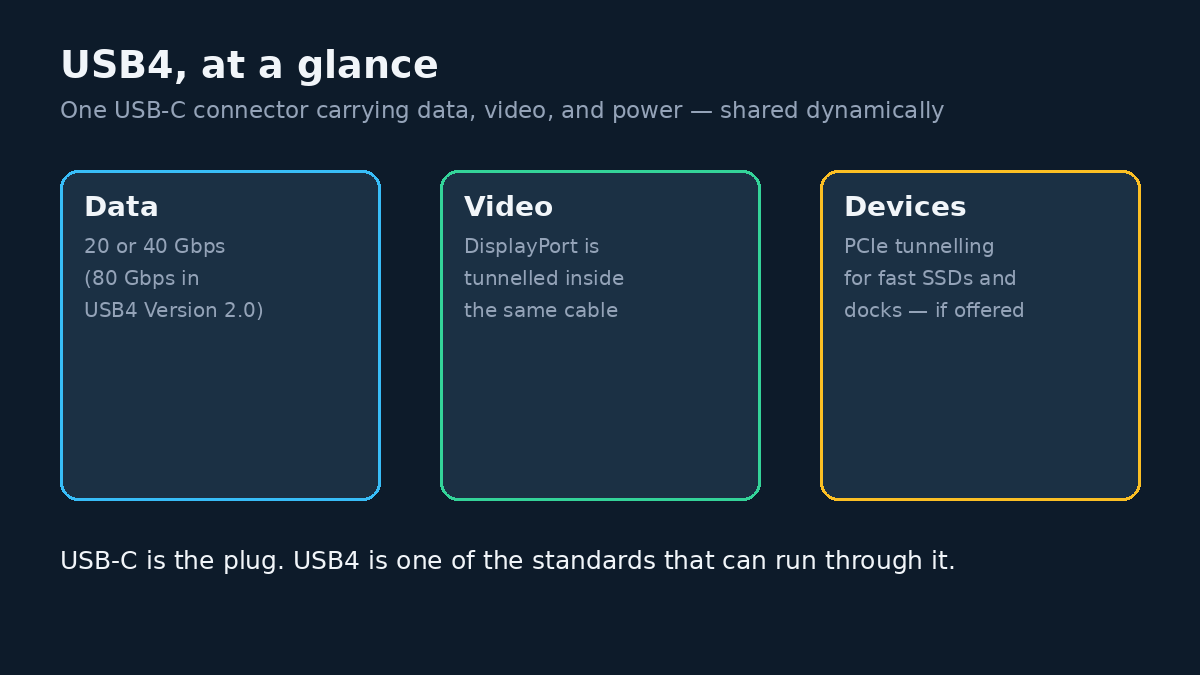
USB4 is the current generation of the USB standard, and it explains a common frustration: two laptops can have identical-looking USB-C ports, yet one drives two monitors and a fast SSD while the other barely charges a phone. USB-C is only the plug shape. USB4 is one of the data standards that can run through it — and what it guarantees is narrower than most people assume.
What USB4 actually is
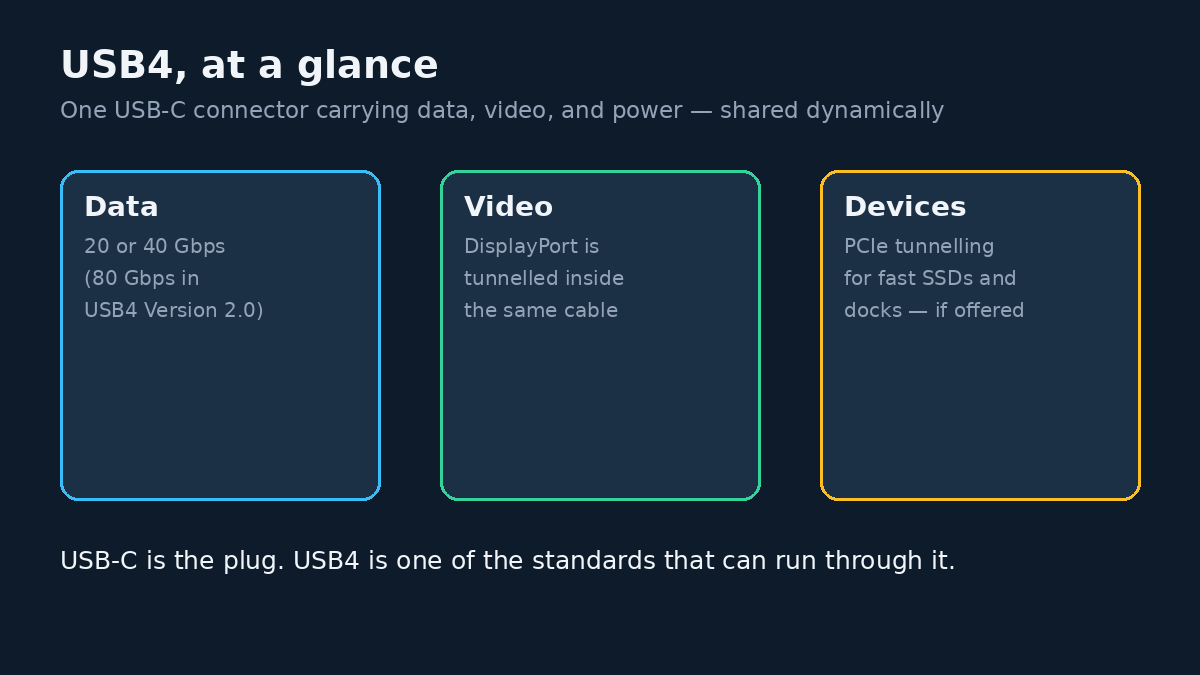
USB4 was published by the USB Implementers Forum (USB-IF) in 2019, built on the Thunderbolt 3 protocol that Intel contributed. Earlier USB versions sent one kind of traffic. USB4 instead works like a small network: it wraps DisplayPort video, PCIe data, and regular USB traffic into separate "tunnels" that share one cable's bandwidth dynamically, so a dock can split the connection between your monitors, drives, and peripherals as needed.
USB4 only exists on USB-C connectors — there is no USB4 version of the old rectangular USB-A port. It is backward compatible with USB 3.2 and USB 2.0 devices, which simply run at their own slower speeds.
The speeds, in plain numbers
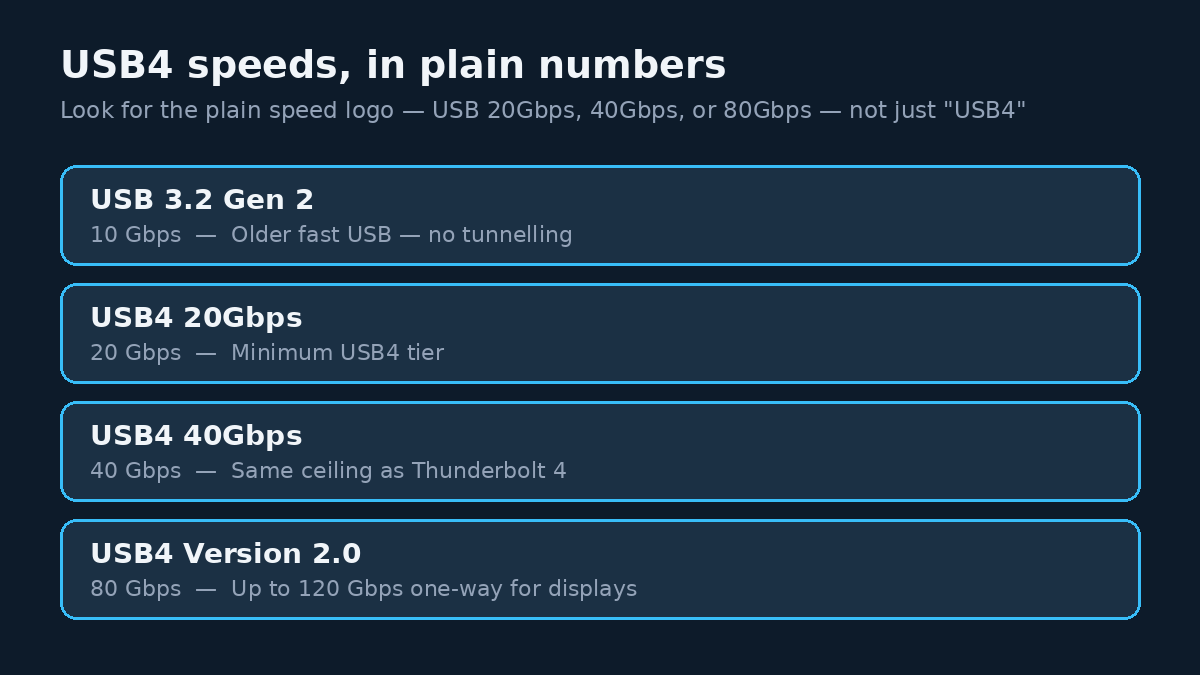
USB4 comes in tiers, and the tier is the thing to check:
- USB4 20Gbps — the minimum tier. A port can legitimately be called USB4 at 20 Gbps.
- USB4 40Gbps — the common tier on recent laptops, matching Thunderbolt 4's ceiling.
- USB4 Version 2.0 (80Gbps) — published in 2022; doubles bandwidth again and can send up to 120 Gbps one-way toward displays while receiving 40 Gbps.
The USB-IF now asks makers to label products with these plain speed numbers — "USB 40Gbps" — rather than the specification name, because "USB4" alone does not tell you which tier you are getting.
USB4 vs Thunderbolt: the part that trips people up
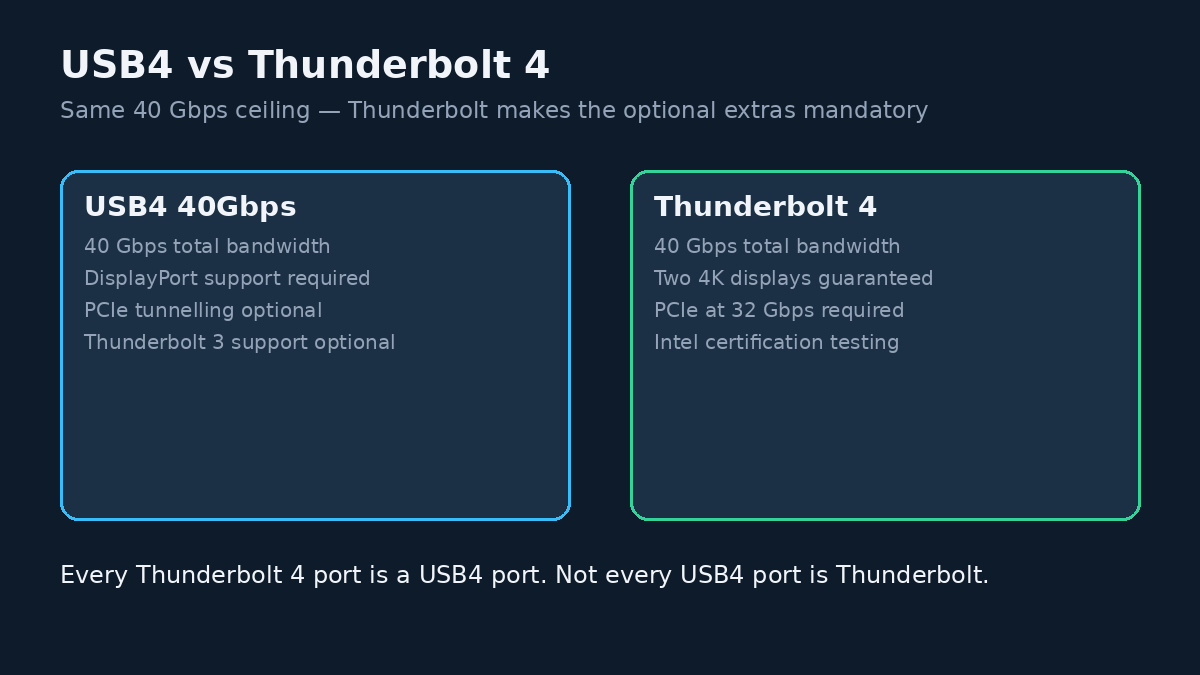
Thunderbolt 4 is built on USB4, and every Thunderbolt 4 port is a USB4 40Gbps port. The difference is guarantees. In the USB4 spec, several headline features are optional: a USB4 host must support at least 20 Gbps and must support DisplayPort video, but 40 Gbps operation, PCIe tunnelling, and Thunderbolt 3 compatibility are all optional extras. Intel's Thunderbolt certification makes those extras mandatory — 40 Gbps, PCIe at 32 Gbps for fast external drives and docks, and support for two 4K displays.
In practice: a port advertised as Thunderbolt 4 promises the full list. A port advertised only as USB4 promises the connector and at least 20 Gbps — check the spec sheet for 40 Gbps and PCIe before counting on a fast external SSD enclosure or a one-cable dock.
Why it matters when you buy
- Cables: a full 40 Gbps link needs a cable rated USB 40Gbps (or a Thunderbolt 4 cable), and passive cables at that speed are typically under a meter long. A random charging cable may silently cap you at USB 2.0 speeds of 480 Mbps.
- Docks and SSDs: external drives that advertise 3,000+ MB/s need PCIe tunnelling — guaranteed on Thunderbolt, optional on USB4.
- Charging: USB4 ports pair with USB Power Delivery, so the same port can charge the laptop — but wattage is set by the charger and laptop, not by the USB4 name.
Bottom line
USB4 is USB's Thunderbolt-based generation: one USB-C cable carrying data, displays, and power at 20 or 40 Gbps, with an 80 Gbps tier arriving in Version 2.0 hardware. When you shop, ignore the word "USB4" by itself and look for the speed number and the features you actually need — 40Gbps, PCIe tunnelling, and display support — because the name alone guarantees less than you'd think.



Member discussion