
What Is Latency? Ping, Jitter, and Why Your Connection Feels Slow, Explained (2026)
Latency is delay, not speed. Ping, jitter and bufferbloat explained in plain English — what good numbers look like, and what actually lowers lag.

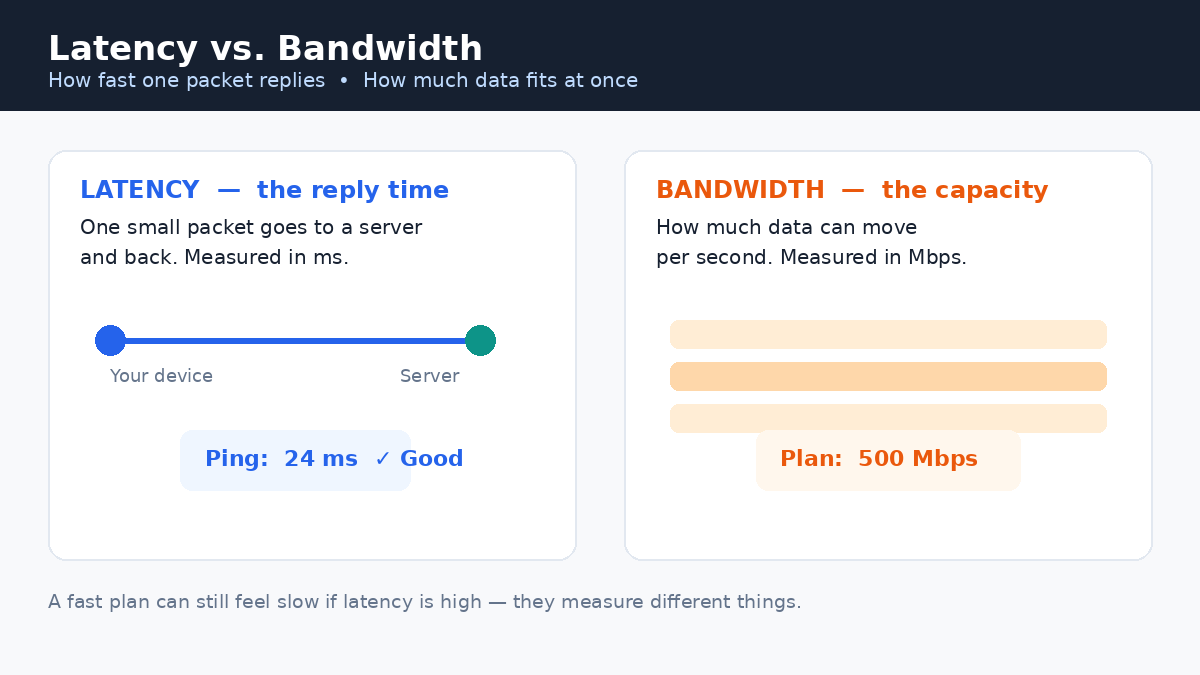
Your speed test says 500 Mbps, yet your game stutters and people talk over each other on calls. As of November 19, 2026, that is usually not about speed — it is about latency, and how steady it is.
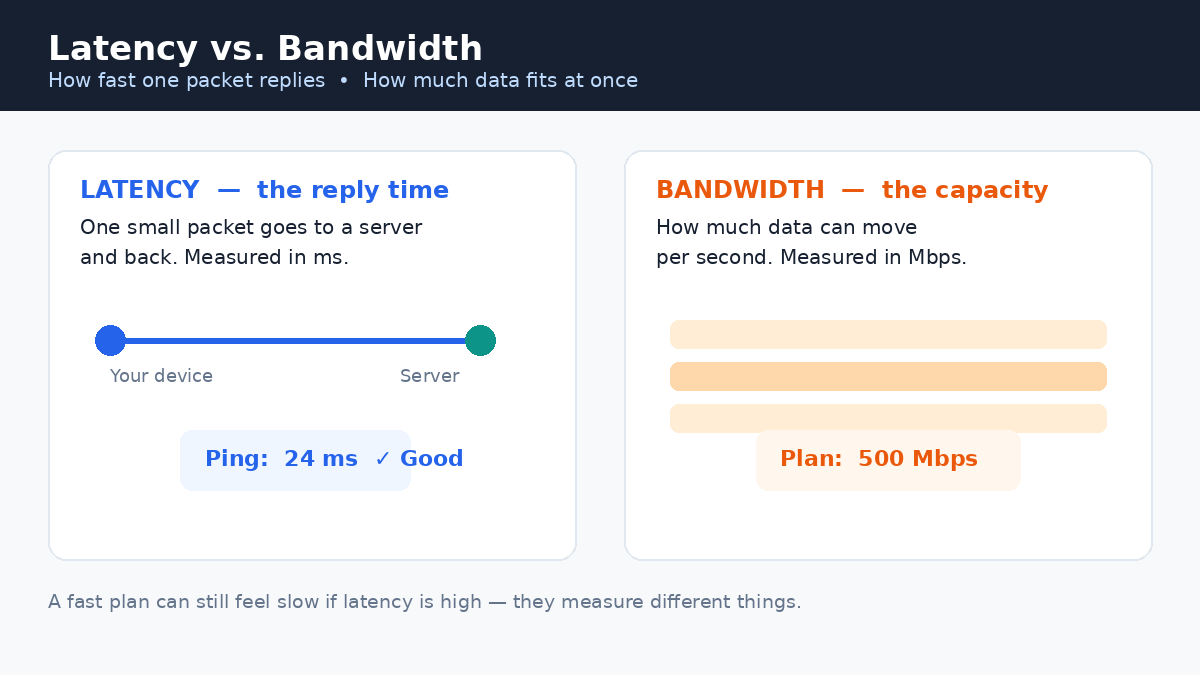
What latency is — and what it is not
Latency is the time for a small piece of data to travel from your device to a server and back, in milliseconds (ms). Lower is better. That round trip is what you feel as responsiveness.
Three words are often mixed up:
- Latency is the delay itself — the round-trip time.
- Bandwidth is capacity: how much data can move per second, in Mbps or Gbps. Think lanes on a highway.
- Throughput is what you actually get in real use, after overhead, congestion, and Wi-Fi losses — usually a bit below your plan's bandwidth.
A wide highway does not guarantee a fast trip. A 1 Gbps plan can still have 120 ms latency to a distant server, while a 50 Mbps plan at 15 ms feels snappier for games and calls. Streaming is the exception: it mostly needs bandwidth, because services buffer seconds ahead and hide the delay.
Ping and jitter, in plain English
Ping is both the test and the result: it sends a tiny packet and times the reply, so "ping of 24 ms" simply means latency measured at 24 ms. Games use the word ping where an engineer would say latency — same round trip.
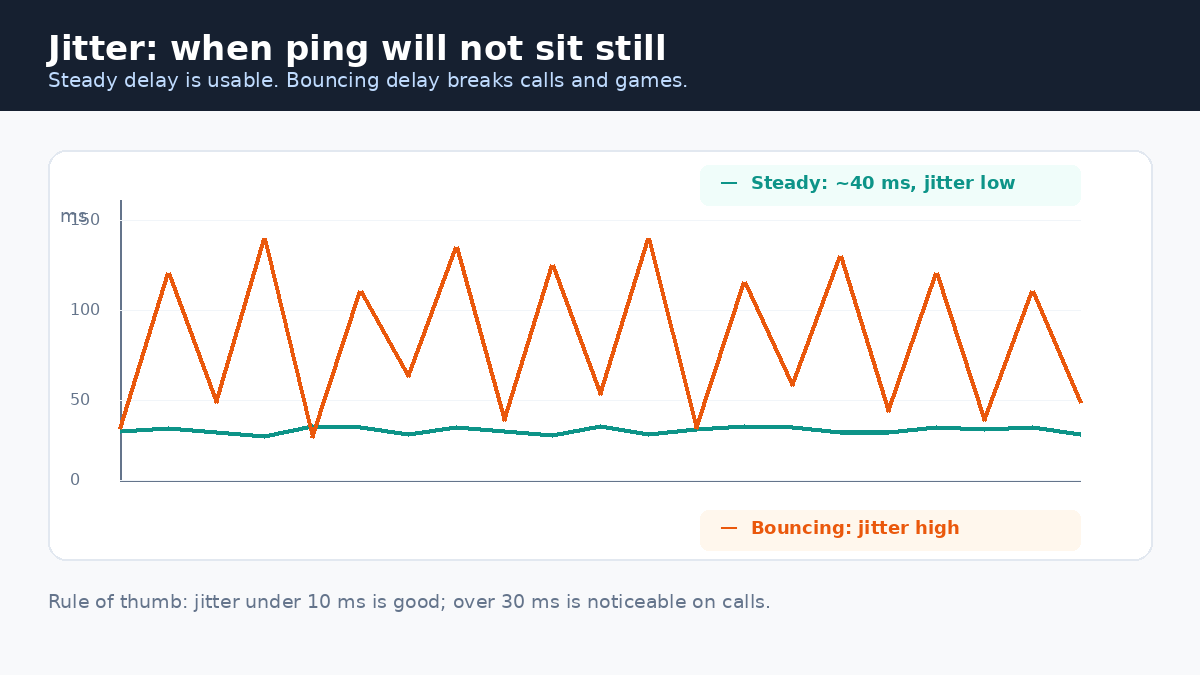
Jitter is how much that number bounces. A ping near 40 ms means low jitter. A swing between 25 ms and 140 ms means high jitter — often worse than a steady, slightly higher ping. Calls go robotic and characters "rubber-band" in games, because the app cannot predict when the next packet arrives.
Typical targets, as a guide:
- Under 20 ms: excellent — ideal for competitive gaming.
- 20–50 ms: very good for gaming, calls, and remote work.
- 50–100 ms: fine for casual gaming and most calls.
- Over 100–150 ms: lag is noticeable; over 150 ms, conversation and fast games feel awkward.
For jitter, under 10 ms is good, 10–30 ms is acceptable, and over 30 ms breaks up calls and games. Microsoft's Teams target, for comparison, is a round trip under 100 ms with jitter under 30 ms.
Bufferbloat: why busy means slow
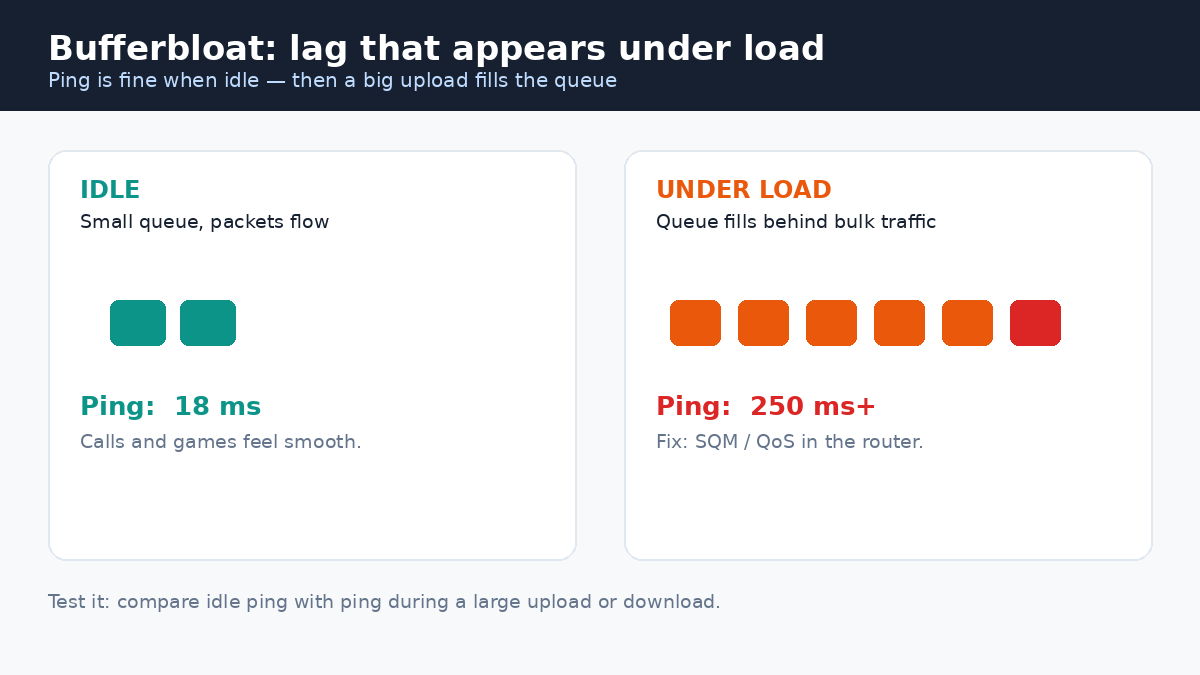
Bufferbloat is extra latency that appears only when your connection is busy. Routers hold packets in a queue (a buffer). When a big download or upload fills it, your small game or call packets wait in line behind it. Ping might be 18 ms idle and jump past 250 ms under load — even though a speed test still reports full speed.
How to measure it
Run a speed test (Speedtest, Cloudflare, or Fast.com) and look past download speed to ping and jitter. Then run a test that measures latency under load — Waveform's bufferbloat test is the common free one. A big jump from idle to loaded ping points to bufferbloat, not plan speed.
What actually lowers latency
- Use a wire where it matters. Ethernet removes Wi-Fi retransmissions and interference, the most common avoidable source of jitter at home.
- Pick a closer server. Distance is physics. The nearest game region often helps more than any setting.
- Turn on SQM or QoS. If your router offers Smart Queue Management (SQM), Smart Queues, or Adaptive QoS, enable it and set limits to about 85–95% of your measured speeds. That is the standard bufferbloat fix, at the cost of a little top speed.
- Ease the load. Pause large uploads and backups during a match or important call.
What will not help: a faster plan, by itself. More bandwidth leaves delay and jitter exactly where they were.
Bottom line
Latency is how quickly your connection replies, ping is how we measure it, and jitter is how much it wobbles. Bandwidth decides how much data fits; latency decides how responsive everything feels. Measure idle and loaded ping, wire the devices that matter, and use SQM if calls or games fall apart when the connection gets busy.


Member discussion