What Is E-Ink? How E-Paper Displays Work, Explained (2026)
E-Ink moves real black and white particles to draw a page, then holds it for free. How e-paper works, why e-readers last weeks, and where it falls short.
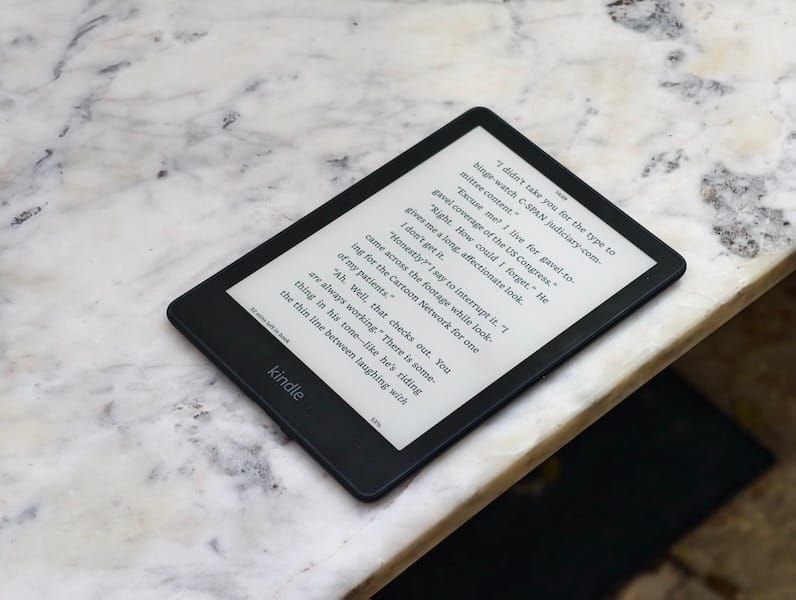
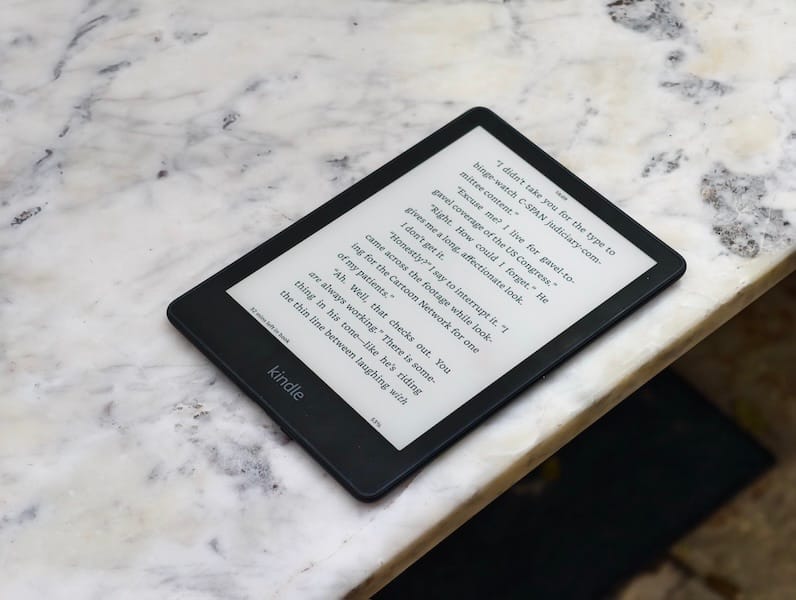
An e-reader screen looks like paper, stays readable in bright sun, and can hold the same page for weeks without draining the battery. That is not a trick of brightness or a special filter — it is a completely different kind of display called E-Ink, or e-paper.
What E-Ink is
E-Ink is a display made of millions of tiny capsules, each filled with black and white particles that move when electricity is applied. To draw a letter, the screen pushes white particles to the surface in some spots and black particles in others. Once the particles are in place, they stay there — no power needed to hold the image.
That one fact explains almost everything about e-paper. A phone or tablet screen is a light that constantly redraws itself, usually 60 to 120 times a second. An E-Ink screen only uses power when the page changes. Turn a page, and it draws power for a fraction of a second. Leave the book open, and it draws essentially none.
Most e-readers are black-and-white, with around 16 shades of grey made by mixing particles. Colour E-Ink exists — screens such as Kaleido, used in colour Kobo and other readers — but colours look muted and washed-out compared with a tablet, because the colour comes from a filter laid over the black-and-white layer.
Why it matters
- Battery life measured in weeks. Because the screen only draws power on a page turn, a typical e-reader lasts weeks per charge instead of hours. The backlight, Wi-Fi, and processor use more power than the page itself.
- Readable in sunlight. E-Ink reflects light like paper instead of fighting the sun with brightness. Outdoors, it often gets easier to read, where a phone screen washes out.
- Easier on the eyes for long reading. There is no flickering backlight shining straight at you. Most e-readers use a soft front light that spreads light across the page, more like a lamp on paper.
- No glare, no distractions. The matte surface cuts reflections, and a dedicated reader has no social feeds competing for attention.
Where you will see E-Ink besides e-readers
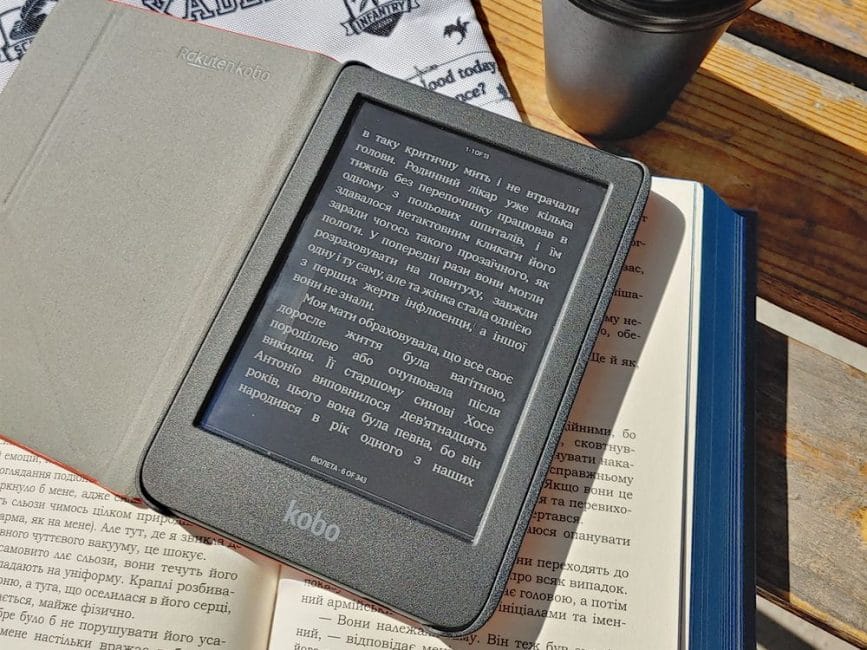
E-readers such as Kindle and Kobo are the best-known use, but the same technology shows up in supermarket shelf labels that update prices wirelessly and run for years on a small battery, in large note-taking tablets that mimic paper, in some phone cases and secondary phone screens, and in signs and badges that only change a few times a day. Any job where an image stays still for a long time is a natural fit.
The trade-offs
E-Ink is slow. A page turn takes a visible fraction of a second, and changing only part of the screen can leave faint ghost images of the previous page until a full refresh clears them. Video and fast scrolling are effectively out — refresh rates are far too low. Colour is limited, resolution for colour content is lower than for black-and-white, and screens are generally smaller and more fragile than the marketing suggests: a cracked e-paper panel is a common failure.
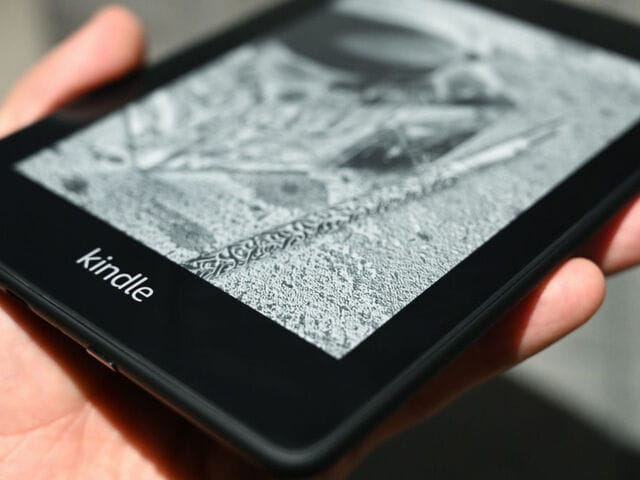
That is why E-Ink has not replaced tablet or phone screens, and is not trying to. It does one job — still text and simple images, for a long time, on very little power — exceptionally well.
How to get the most from an E-Ink device
If you already own an e-reader, a few habits help: keep Wi-Fi off when you are just reading, since the radio drains more than page turns do; use the front light at the lowest comfortable level indoors and turn it down or off outdoors; and trigger a full refresh if ghosting builds up — most readers have a setting to refresh every page instead of every few pages. For note-taking tablets, expect a slight delay between pen and line; it is normal for this technology.
Bottom line
E-Ink is not a dimmer, slower LCD — it is paper-like display technology that moves physical particles into place and then holds them for free. That is why e-readers sip power, read beautifully in sunlight, and struggle with anything that moves. If you read long-form text for hours, that trade is well worth it. If you need video, fast colour, or quick scrolling, a conventional screen is still the right tool.

Member discussion