
What Is Bluetooth? Explained in Plain English
Bluetooth links your earbuds, watch, and keyboard without cables. Here is what it actually is, how pairing works, and what those version numbers mean.

Bluetooth is the short-range wireless connection that links your earbuds to your phone, your watch to your wrist's notifications, and your keyboard to your laptop — all without a cable. It is named after a tenth-century Danish king, Harald "Bluetooth" Gormsson, who united warring tribes, which is exactly what the technology was designed to do for competing gadgets. You use it dozens of times a day, usually without thinking about it. This explainer was written on November 26, 2026.
What Bluetooth actually is
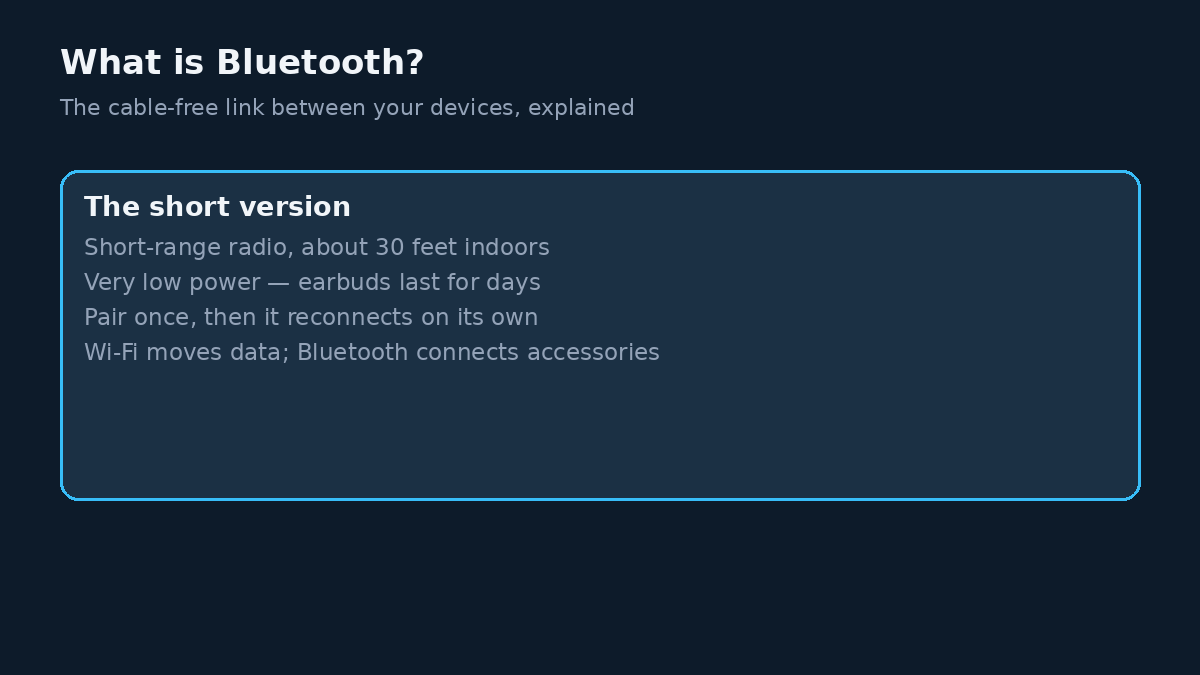
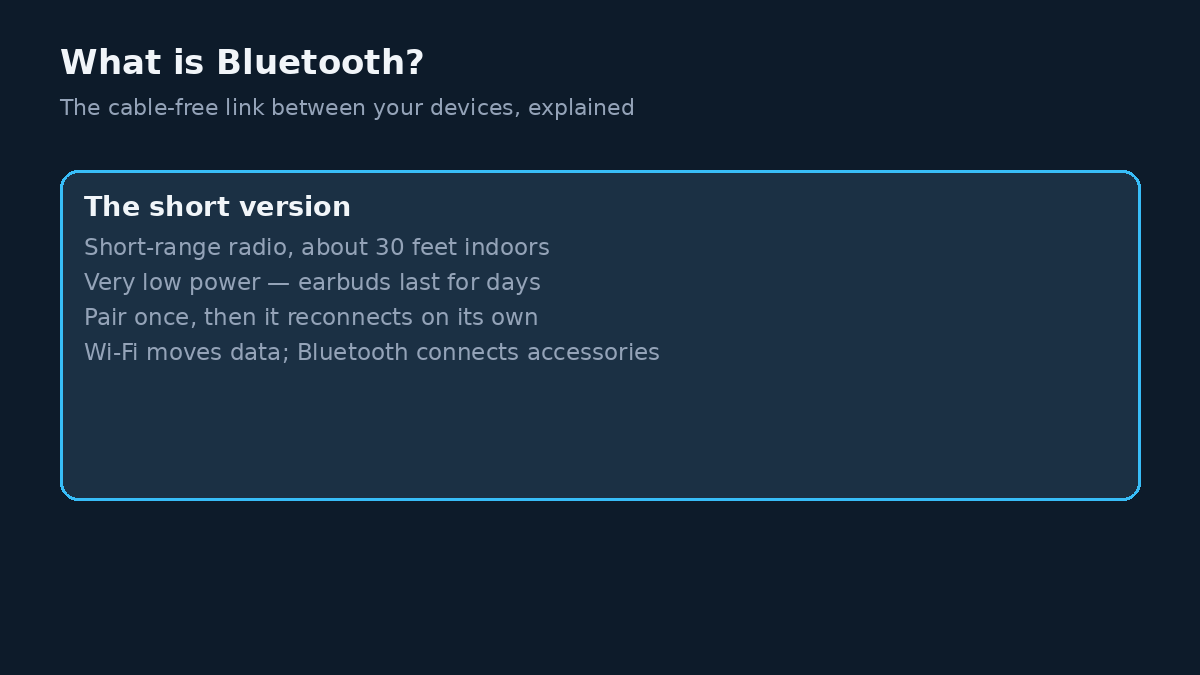
Bluetooth is a radio technology that lets two devices exchange data over a short distance — typically up to about 30 feet (10 meters) indoors, and farther for newer versions in open space. It works in the same 2.4 GHz radio band as Wi-Fi, but it is designed for the opposite job: Wi-Fi moves lots of data across a whole house through a router, while Bluetooth moves small amounts of data directly between two nearby devices, using very little power.
That low power use is the whole point. A pair of wireless earbuds, a fitness tracker, or a wireless mouse can run for days or months on a tiny battery because Bluetooth sips energy instead of gulping it. The trade-off is speed and range: Bluetooth is far too slow for downloading movies or backing up photos, which is why your phone uses Wi-Fi or USB for those jobs and Bluetooth for audio, accessories, and quick data syncs.
Pairing: how devices meet
Before two devices can talk, they are paired — introduced once, so they remember and trust each other. When you put earbuds into pairing mode, they announce themselves by radio; your phone lists them, you tap the name, and the two devices exchange a security key. From then on they reconnect automatically whenever they are near each other, which is why your earbuds just work when you open the case.
One phone can be paired with many devices at once — earbuds, a watch, and a car stereo simultaneously is normal — and modern Bluetooth versions handle several active connections smoothly. If a connection misbehaves, the classic fix really does work: remove ("forget") the device in settings and pair it again from scratch, which clears out a corrupted key.
Bluetooth versions, in plain terms
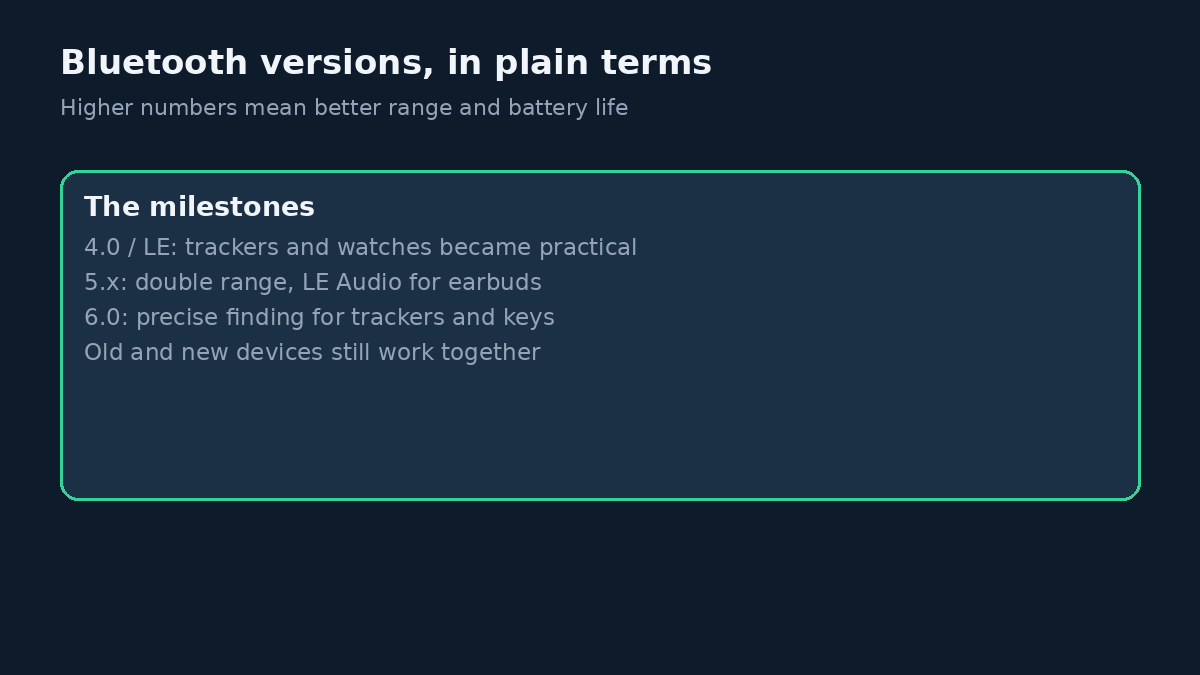
You will see version numbers like Bluetooth 5.3 or 6.0 in spec lists. Higher numbers generally mean better range, more reliable connections, and lower power use — not a different technology. A few milestones worth knowing:
- Bluetooth 4.0 and "Bluetooth Low Energy" (LE): the version that made fitness trackers, smartwatches, and coin-cell sensors practical by slashing power use.
- Bluetooth 5.x: roughly double the range and speed of version 4, plus LE Audio in later releases — better earbud sound quality, longer battery life, and Auracast broadcast audio in public places.
- Bluetooth 6: adds precise distance measuring between devices, useful for finding lost trackers and for digital keys.
Versions are backward compatible: a phone with Bluetooth 6 happily talks to earbuds built for 5.0. The connection simply runs at the older device's level, so the oldest device in the pair sets the limits.
Is Bluetooth safe and private?
Mostly, yes, with ordinary care. Paired connections are encrypted, and modern devices use rotating random addresses so trackers in shops cannot easily follow your phone by its Bluetooth signal. The realistic risks are small: leave Bluetooth on is fine, but do not accept pairing requests from devices you do not recognize, and keep your phone's software updated, since rare Bluetooth flaws are fixed through updates. Airplane mode turns Bluetooth off along with the other radios, though most airlines now allow you to switch it back on for earbuds during flight.
Bottom line
Bluetooth is a low-power, short-range radio link designed to replace cables between nearby devices — earbuds, watches, keyboards, cars, and trackers. Pair once, and it reconnects on its own. Higher version numbers mean better range and battery life, older devices still work, and the built-in encryption plus a little common sense keep it safe for everyday use.
Member discussion