
What Is a VPN, Really? (2026)
A VPN encrypts your traffic and hides your IP address — but it doesn't make you anonymous or protect you from malware. Here's what it actually does, and when it's worth using.

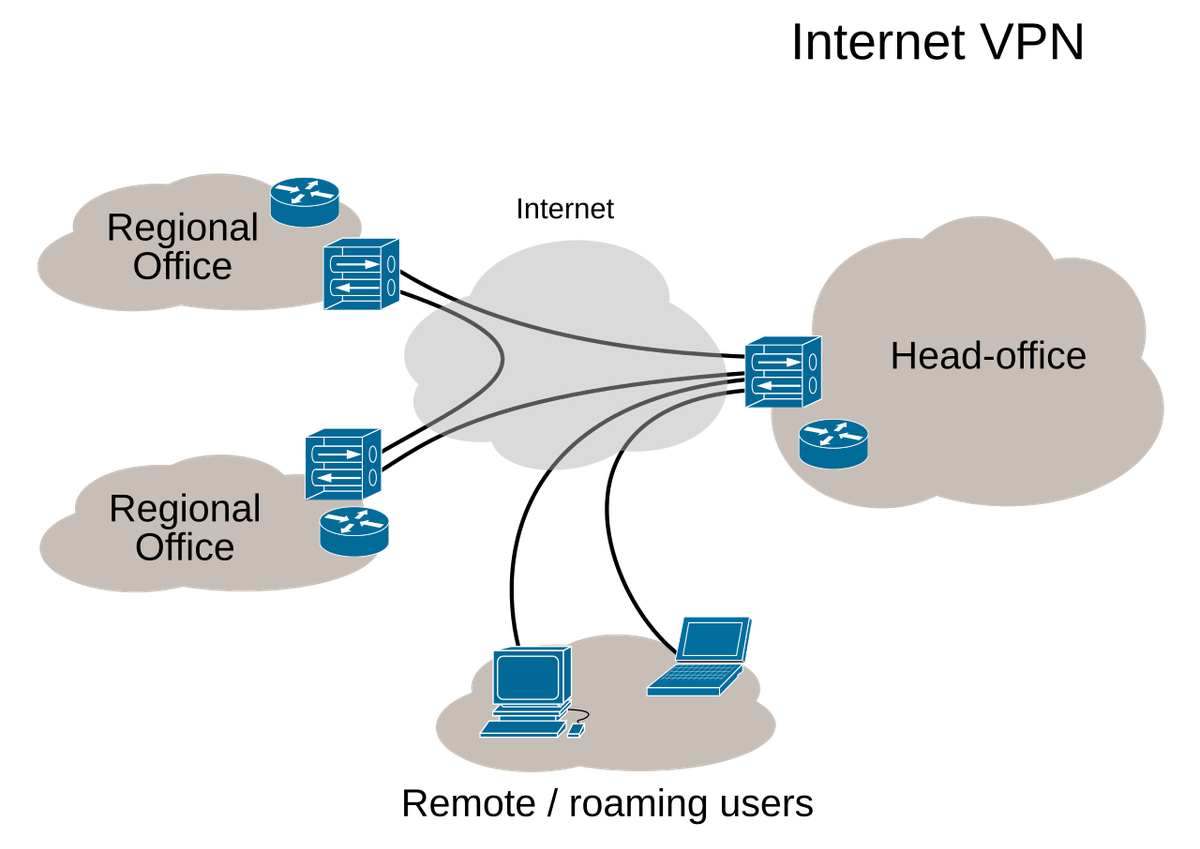
You have probably seen the ads: a VPN will make you anonymous, unblock everything, and keep you safe from hackers. Some of that is true; a lot is not.
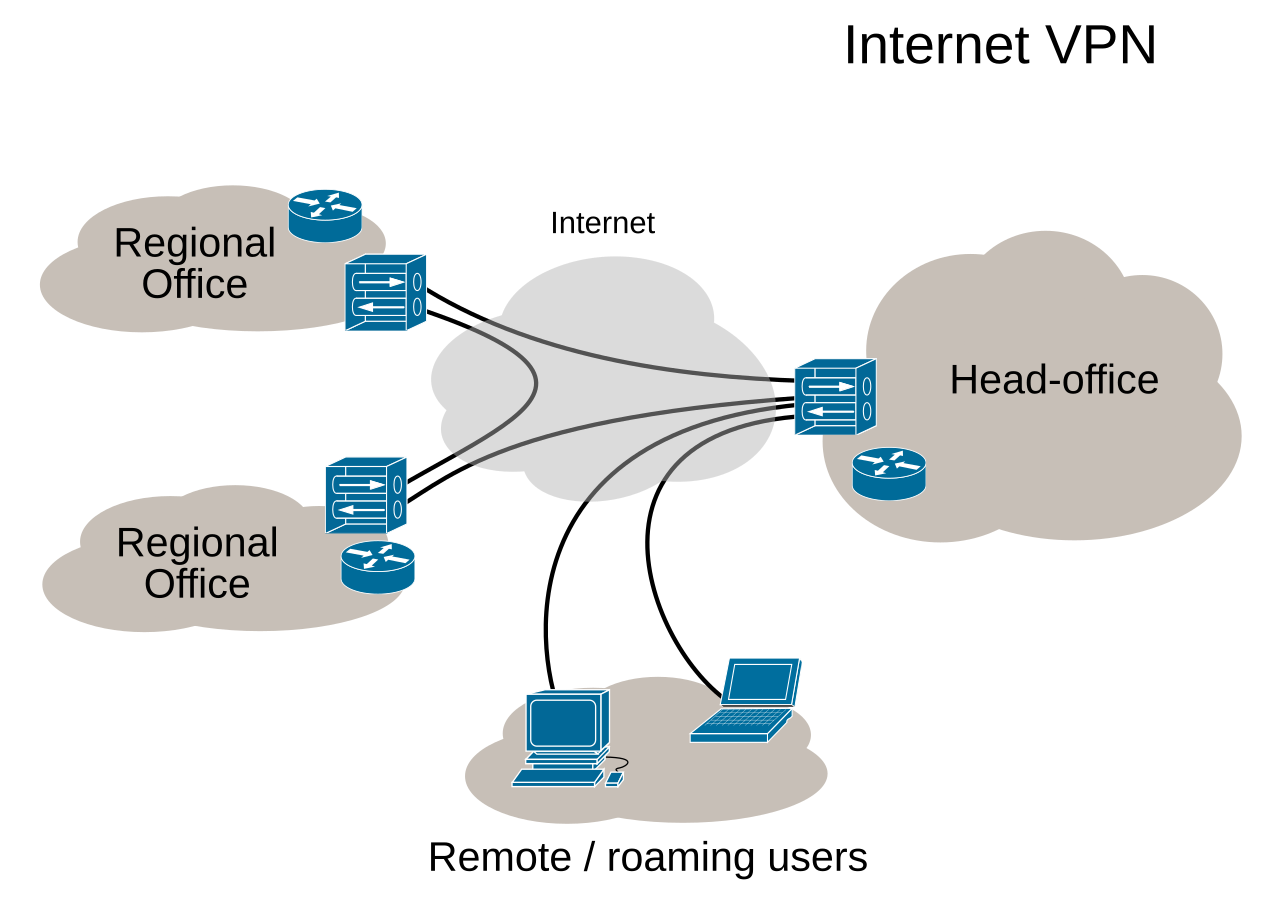
Diagram by Ludovic.ferre, Wikimedia Commons (CC BY-SA 4.0)
What a VPN actually does
Normally, your device connects through your internet provider (ISP), which can see which sites you visit. Websites see your real IP address, which identifies your connection and roughly reveals your location.
A VPN changes the route. When you connect, your device encrypts your traffic and sends it through a secure tunnel to a server run by the VPN provider, which forwards it on. Anyone watching the local network sees encrypted data, not what you are doing, and websites see the server's IP address, not yours. That is the whole trick — useful, but narrower than it sounds.
What a VPN does NOT do
It does not make you anonymous. Logging in to Google, Facebook, or any other account still identifies you — you told it so by signing in. Cookies and browser fingerprinting still work, VPN or not.
It does not protect you from malware or phishing. It encrypts traffic in transit, but does not scan files, clean an infected device, or stop you entering your password on a fake login page.
It does not hide you from the VPN provider. A VPN moves the watcher rather than removing it: instead of your ISP, the provider can see your traffic. That is why its logging policy matters most.
It does not usually speed up your connection. Traffic takes a detour through an extra server, so speeds typically drop a little — unless your ISP is throttling a particular kind of traffic, the exception.
When a VPN is actually useful
On public Wi-Fi. This is the classic case: open networks in cafes, airports, and hotels are where strangers are most likely to watch your traffic.
For privacy from your ISP. A VPN shifts that visibility to the provider instead — an improvement only if you trust the provider more than your ISP.
For remote work. Many employers run their own VPN for staff reaching internal systems from home or on the road.
For getting past a network block. A school or hotel network may block certain apps or sites; because it only sees a connection to the VPN server, a VPN can get around those blocks. It does not change what is legal or what a service's terms allow — those still apply.
When it is not worth it
On your own home Wi-Fi, using well-known apps, and unbothered by your ISP seeing which sites you visit, a VPN is optional, not essential. Most major sites already use HTTPS, which encrypts your connection's contents even without a VPN. What a VPN adds is hiding which sites you visit.
A note on free VPNs
Running VPN servers costs money, so a free service has to pay for itself somehow. Some do it honestly, with a limited free tier (slower speeds, fewer servers, a data cap) that encourages upgrades to a paid plan. Others pay for it with ads, or by collecting and selling browsing data — the exact thing you installed a VPN to avoid. Avoid standalone free apps with no paid product, clear company, or privacy policy; a limited free tier from a reputable provider is far safer.
What to look for if you do want one
- A no-logs policy backed by an independent audit. A promise not to log your activity only means something if an outside firm has checked it.
- Modern protocols. WireGuard and OpenVPN are the current standards.
- A kill switch. If the connection drops, it blocks all traffic until the tunnel is back up, so your real IP address does not leak.
- Clear ownership and jurisdiction. Know who runs the company and where it is based.
The bottom line
A VPN is a good tool for a specific job: encrypting your traffic on untrusted networks and shifting who can see which sites you visit from your ISP to a provider you chose. It is not anonymity, antivirus, or a shield against scams or tracking by sites you log into. Paired with strong passwords, two-factor authentication, and careful browsing, it earns its place.

Member discussion