
What Is a Firewall? Explained in Plain English
A firewall is the bouncer for your network — you already have two, they are already on, and here is what they actually do and do not protect.

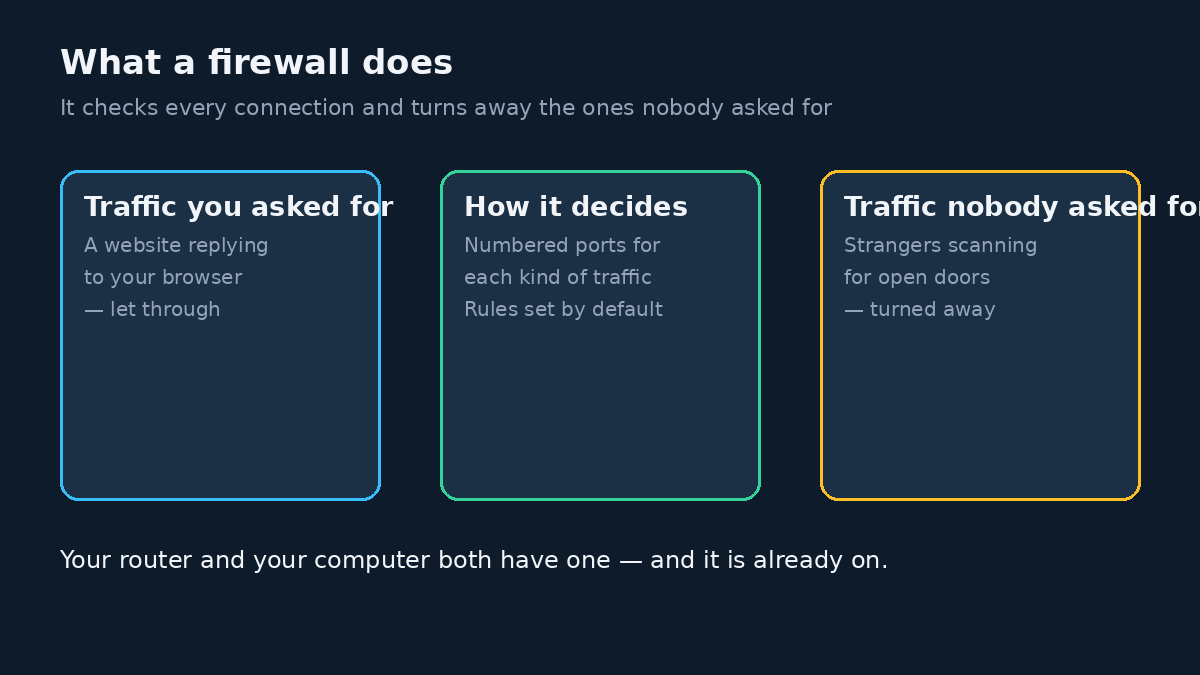
A firewall is the bouncer for your network and your computer: it checks every connection trying to get in or out and blocks the ones that do not follow the rules. You already have at least two — one built into your router and one built into Windows, macOS, and most phones — and understanding what they actually do helps you know when a warning matters and when a paid "firewall" app is selling you something you already own. This explainer was written on November 25, 2026.
What a firewall actually does
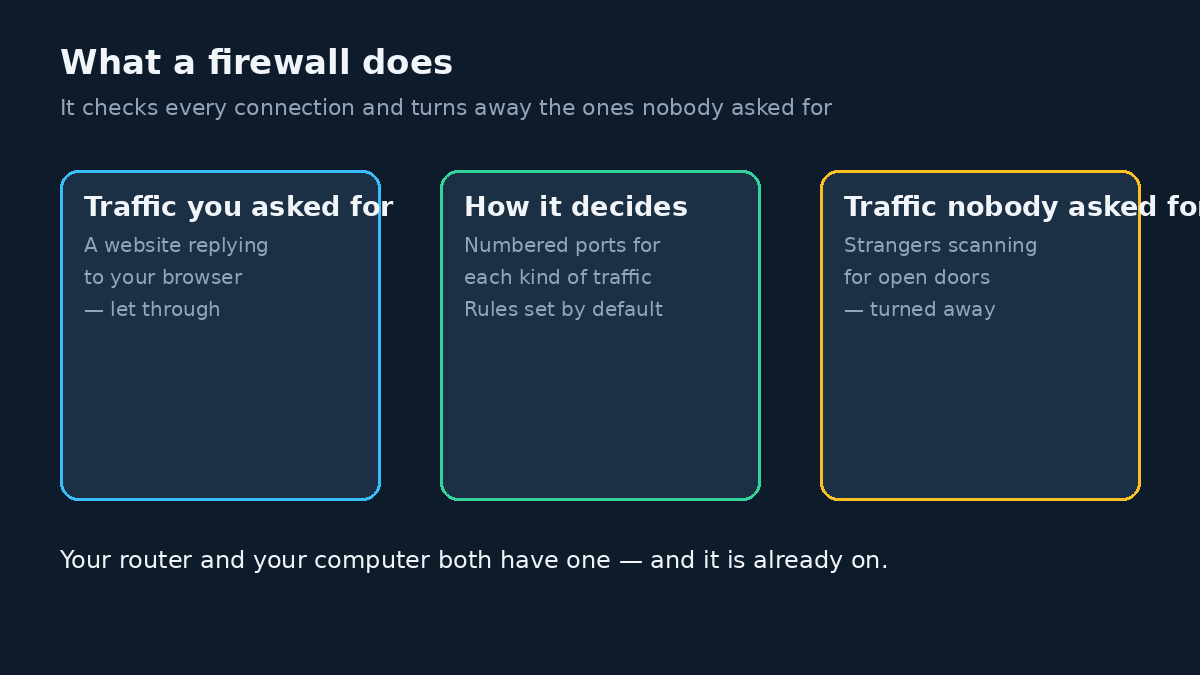
Think of internet traffic as mail delivered to numbered doors, called ports. Your computer listens on different ports for different jobs — one for web traffic, one for email, and so on. A firewall watches those doors. Traffic you asked for, like the reply from a website you just visited, is let through. Traffic nobody asked for, like a stranger's computer scanning your address looking for an open door, is turned away.
That second job matters more than it sounds. Automated scans sweep the internet constantly looking for exposed devices — old routers, cameras, and computers with services accidentally left open. A working firewall makes your home network effectively invisible to most of that scanning, which is why security advice starts with "keep your router's firewall on" rather than with expensive software.
The three places your firewall lives
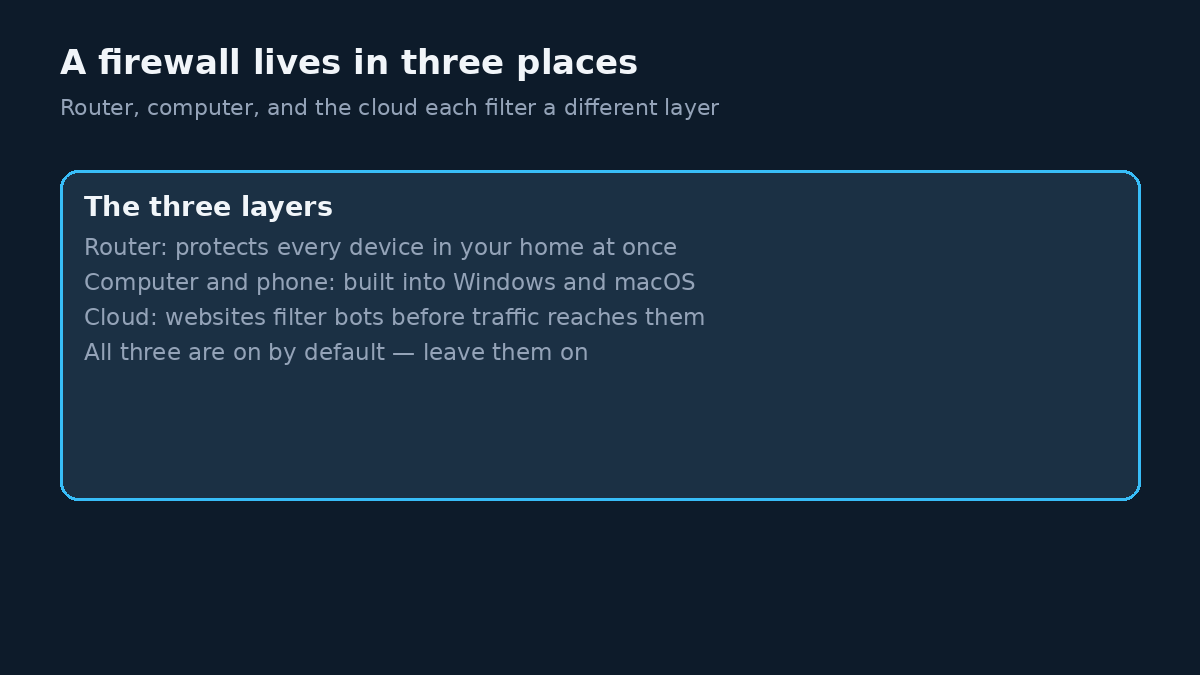
- Your router: the network firewall. It sits between the internet and every device in your home, which is why a smart TV or camera with weak security of its own still gets basic protection. It is on by default on virtually every modern router — leave it on.
- Your computer or phone: the software firewall built into Windows (Windows Defender Firewall) and macOS. It works per-device and can also control which apps are allowed to make outgoing connections, which is useful when an app you do not trust wants to phone home.
- Cloud and app firewalls: services and websites use their own firewalls to filter traffic before it reaches them. You will mostly meet these as the "checking your browser" screens some sites show — that is a firewall deciding whether you look like a bot.
What a firewall does not do
A firewall is not antivirus software. It controls connections, not files: it will not remove malware you downloaded yourself, stop a phishing email, or protect you on someone else's network. It also cannot see inside encrypted traffic, so it cannot judge whether an allowed website is actually safe. That is why a firewall is one layer among several — alongside updates, a password manager, and two-factor authentication — rather than a complete security solution on its own.
You also do not need to buy one. Third-party firewall apps for home computers mostly repackage the controls your operating system already provides, sometimes with more confusing pop-ups. The built-in firewall, left on with its default settings, is the right choice for almost everyone.
When you will see a firewall prompt — and what to click
Windows and macOS occasionally ask whether an app may accept incoming connections, usually the first time you run something that shares files, hosts a game, or streams media locally. A good rule: allow it only if you recognize the app and you actually use the feature that needs the connection — a game you are about to play online, for example. If a random prompt appears for something you do not recognize, choose Block; you can always change the setting later, and blocking an app rarely breaks anything beyond the one feature that needed access.
Bottom line
A firewall quietly checks every connection to your devices and turns away the ones nobody asked for. Yours is already on, in your router and in your computer, and that default setup is genuinely good protection. Spend your effort on updates, strong unique passwords, and two-factor authentication — and leave the firewall doing its job in the background.


Member discussion