
Best iPad Accessories of 2026
Six iPad accessories worth buying in 2026 — from the Pencil Pro at $99 on sale to the Magic Keyboard, a protective Combo Touch, and a $39.99 USB-C hub — with prices verified November 11, 2026.

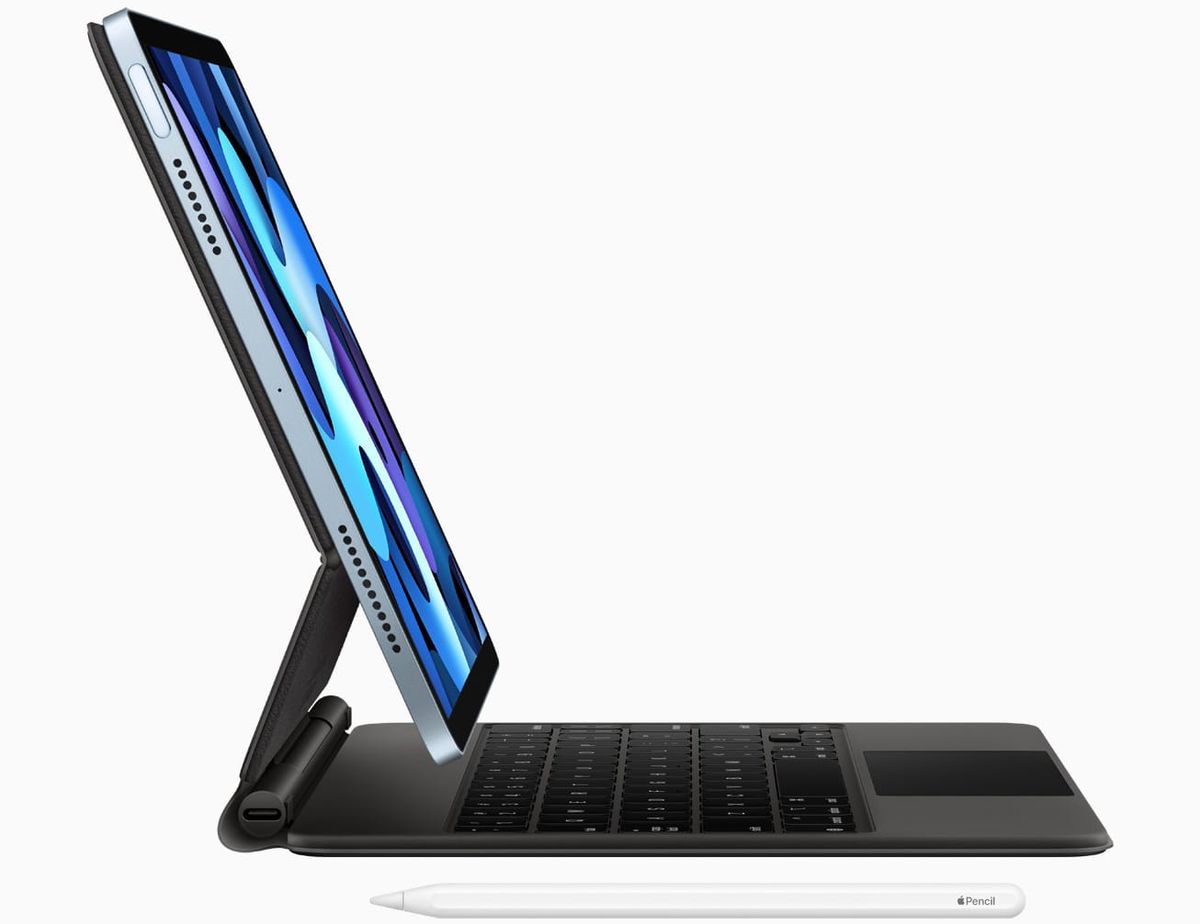
An iPad on its own is a screen and a battery. The right accessories decide whether it stays a media tablet or becomes a notebook, sketchbook, and second workstation — and the wrong ones waste money on compatibility you do not have. The six picks below cover drawing, typing, protection, ports, and screen feel. Prices verified November 11, 2026.
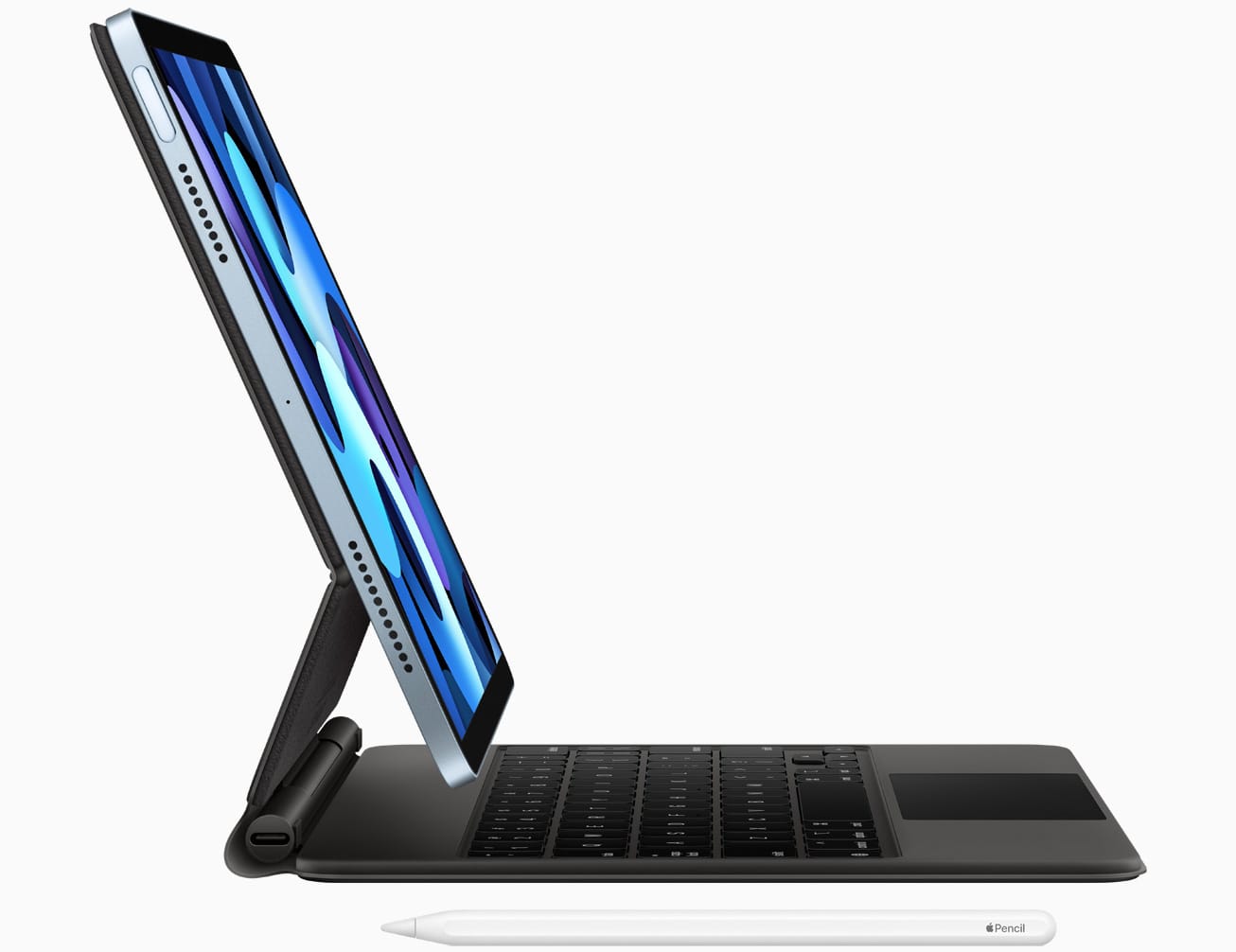
Quick picks
- Apple Pencil Pro — Best stylus: squeeze and barrel-roll gestures, Find My, $99 on sale.
- Apple Magic Keyboard for iPad Air 13-inch — Best typing setup: floating design, trackpad, $250 on sale.
- Logitech Combo Touch for iPad Air 13-inch — Best protective keyboard case: detachable keyboard, $229.99.
- Apple Smart Folio for iPad Air 11-inch — Best slim cover: magnetic wake/sleep, $79.
- Anker 341 USB-C Hub (7-in-1) — Best port expansion: HDMI, card readers, charging, $39.99.
- Paperlike 3 Screen Protector — Best for handwriting: paper-like grip for Pencil users, $49.99.
How we picked
- Compatibility first: Pencil, keyboard, and case fit is model-specific — every pick names the exact models it fits.
- Check your Pencil support: current iPad Air, Pro, and mini models support the Pencil Pro; the entry-level iPad (A16) does not.
- Real prices, checked today: every price was verified on November 11, 2026, and sale prices are labeled as sales.
- One job per pick: each accessory is the strongest option for a single job — drawing, typing, protecting, connecting, or writing feel.
Apple Pencil Pro — Best Stylus
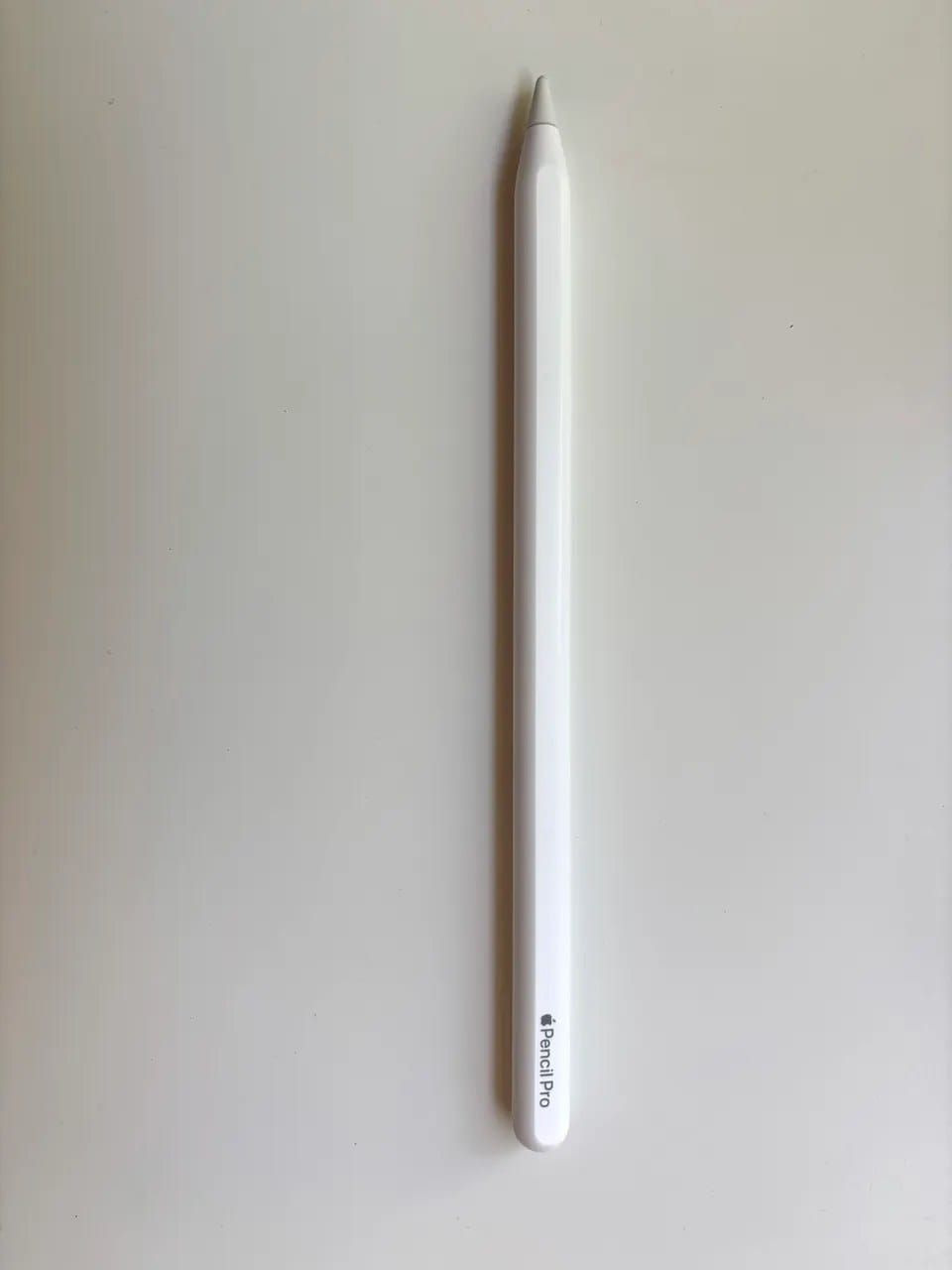
The Pencil Pro is the stylus to buy if your iPad supports it — an iPad Pro (M4 or M5), iPad Air (M2, M3, or M4), or iPad mini (A17 Pro). It adds two gestures cheaper Pencils lack: squeeze, which opens tool palettes, and barrel roll, which rotates a brush as you turn the pen. Haptics pulse when tools snap into place, and Find My helps locate a lost Pencil — a first for the line. It attaches magnetically to the iPad's side, where it pairs and charges, and it is on sale at $99 (down from $129) at Amazon and Best Buy this week. Owners of the entry-level iPad (A16) should look at the Apple Pencil (USB-C) instead — the Pro will not pair with it.
Standout features:
- Squeeze and barrel-roll gestures; haptic feedback
- Find My support; magnetic pairing and charging
Price & where to buy: $99 at Amazon (was $129), as of November 11, 2026 — Buy the Apple Pencil Pro at Amazon
Who it's for: Note-takers, students, and artists who will use a stylus most days.
Apple Magic Keyboard for iPad Air 13-inch — Best Typing Setup
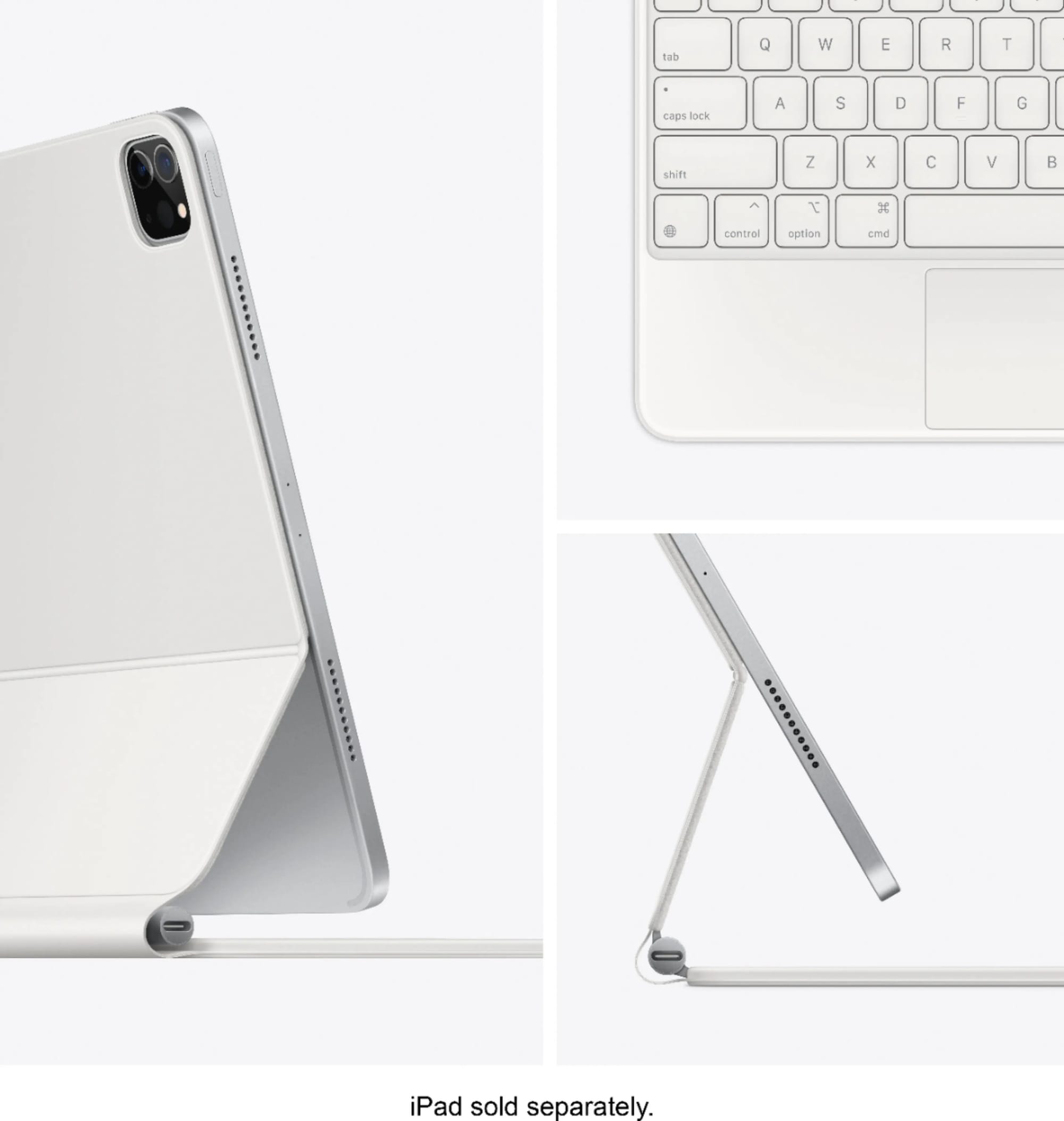
Apple's Magic Keyboard is still the accessory that most changes what an iPad is. The tablet floats above the backlit keyboard on a cantilevered hinge, the glass trackpad supports the full set of iPadOS gestures, and a hinge USB-C port charges the iPad so its own port stays free. The current Air version adds a function row and an aluminum palm rest. The 13-inch Air model in white is $250 at Amazon, $69 under its $319 list; the 11-inch Air version is $200 against $269. Two honest costs: it is a keyboard and stand, not a protective case, and it adds noticeable weight. Buy the size that matches your iPad exactly — Air and Pro keyboards are not interchangeable.
Standout features:
- Floating cantilever design with adjustable viewing angle
- Backlit keys with function row; large glass trackpad
- USB-C pass-through charging in the hinge
Price & where to buy: $250 at Amazon (was $319), as of November 11, 2026 — Buy the Magic Keyboard for iPad Air 13-inch at Amazon
Who it's for: Writers and remote workers who want an iPad Air that works like a laptop.
Logitech Combo Touch for iPad Air 13-inch — Best Protective Keyboard Case
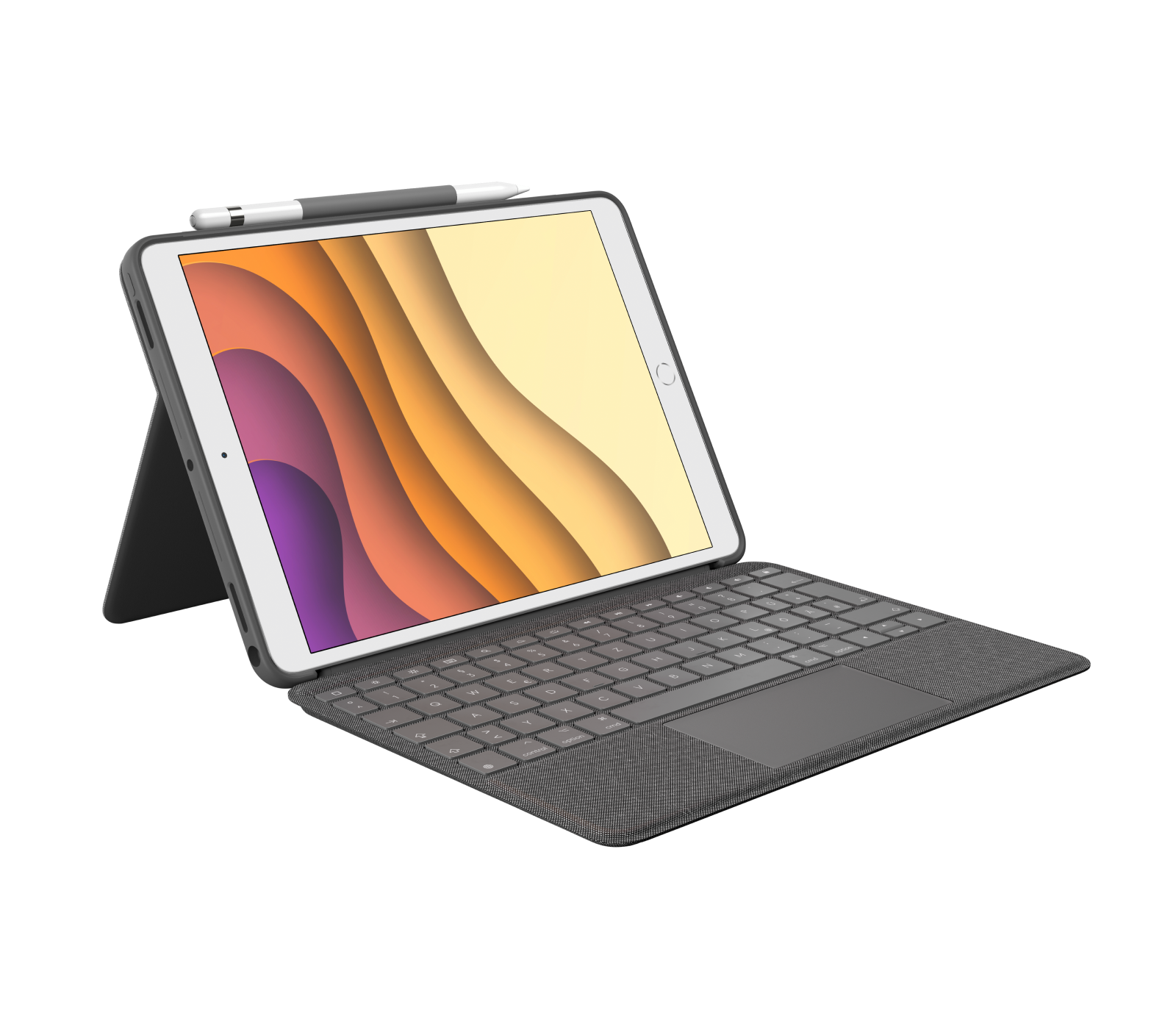
The Combo Touch answers the Magic Keyboard's two weaknesses: protection and price. A full case wraps the iPad's back and edges and stays on when you detach the keyboard, and a wide kickstand props the tablet at angles a floating hinge cannot reach — including nearly flat for drawing. The backlit keyboard connects through the Smart Connector, so it never needs charging or Bluetooth pairing, and there is a Pencil holder. Trade-offs: the fabric case adds weight, and the kickstand needs desk space behind the tablet, which makes lap typing awkward. At $229.99 for the 13-inch Air model ($199.99 for 11-inch), it undercuts Apple's keyboard while protecting more.
Standout features:
- Detachable backlit keyboard; protective case stays on
- Adjustable kickstand; Smart Connector powered — no charging
- Trackpad with multi-touch gestures; Apple Pencil holder
Price & where to buy: $229.99 at Target, as of November 11, 2026 — Buy the Logitech Combo Touch for iPad Air 13-inch at Target
Who it's for: Students and commuters who want keyboard and drop protection in one purchase.
Apple Smart Folio for iPad Air 11-inch — Best Slim Cover
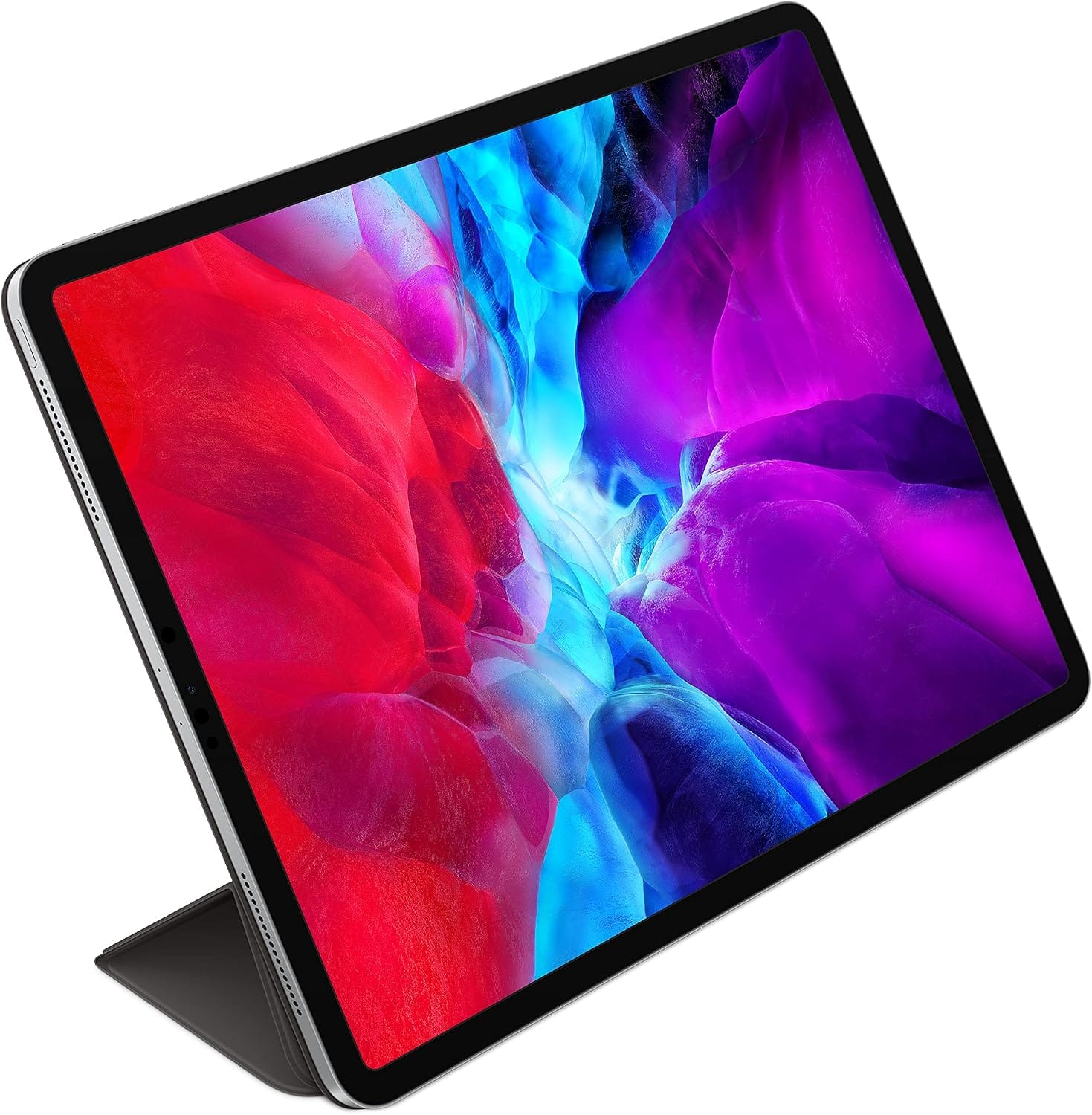
Not everyone needs a keyboard. The Smart Folio is the cover for people who mostly read, watch, and browse: it attaches magnetically, protects front and back, wakes the iPad when opened and sleeps it when closed, and folds into stands for viewing and typing. It adds almost no bulk — also its limit: there is no drop armor, so it suits home use better than job sites or kids. The 11-inch Air version is $79 at Apple; the 13-inch is $99. Match the folio to your exact model — the magnet layout changed with the M2 Air and M4 Pro, and older folios do not align on newer iPads.
Standout features:
- Magnetic attach; wake on open, sleep on close
- Folds into viewing and typing stands; multiple upright angles
- Front and back protection with almost no added bulk
Price & where to buy: $79 at Apple, as of November 11, 2026 — Buy the Smart Folio for iPad Air 11-inch at Apple
Who it's for: Readers who want a light cover and stand without paying for a keyboard.
Anker 341 USB-C Hub (7-in-1) — Best Port Expansion
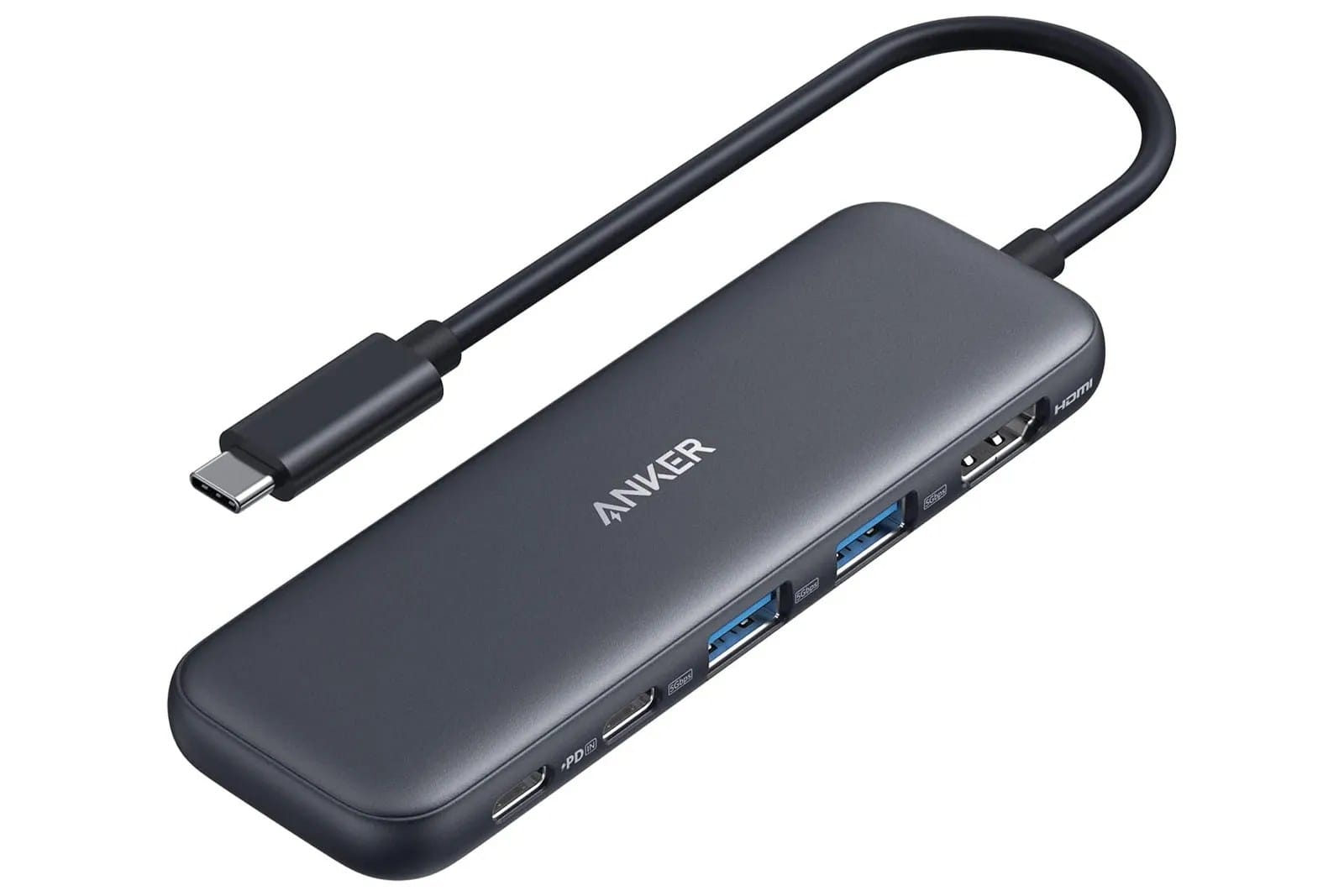
Every current iPad has exactly one port, and this hub is the cheap fix. The Anker 341 turns it into seven: a 4K HDMI output, two USB-A ports and a USB-C data port, SD and microSD slots, and a USB-C Power Delivery input passing up to 85W through to the iPad so it charges while connected. For photographers it replaces a pocketful of dongles; for desk users it is the difference between an iPad that can drive a display and one that cannot. There is no Ethernet, but at $39.99 it is the cheapest meaningful upgrade in this guide.
Standout features:
- 7 ports: 4K HDMI, 2 USB-A, USB-C data, SD and microSD slots
- Up to 85W pass-through charging while connected
- Works with any USB-C iPad: Pro, Air, mini, and iPad (A16)
Price & where to buy: $39.99 at Anker, as of November 11, 2026 — Buy the Anker 341 USB-C Hub at Anker
Who it's for: Photographers importing from cards and anyone connecting an iPad to a monitor or drive.
Paperlike 3 Screen Protector — Best for Handwriting
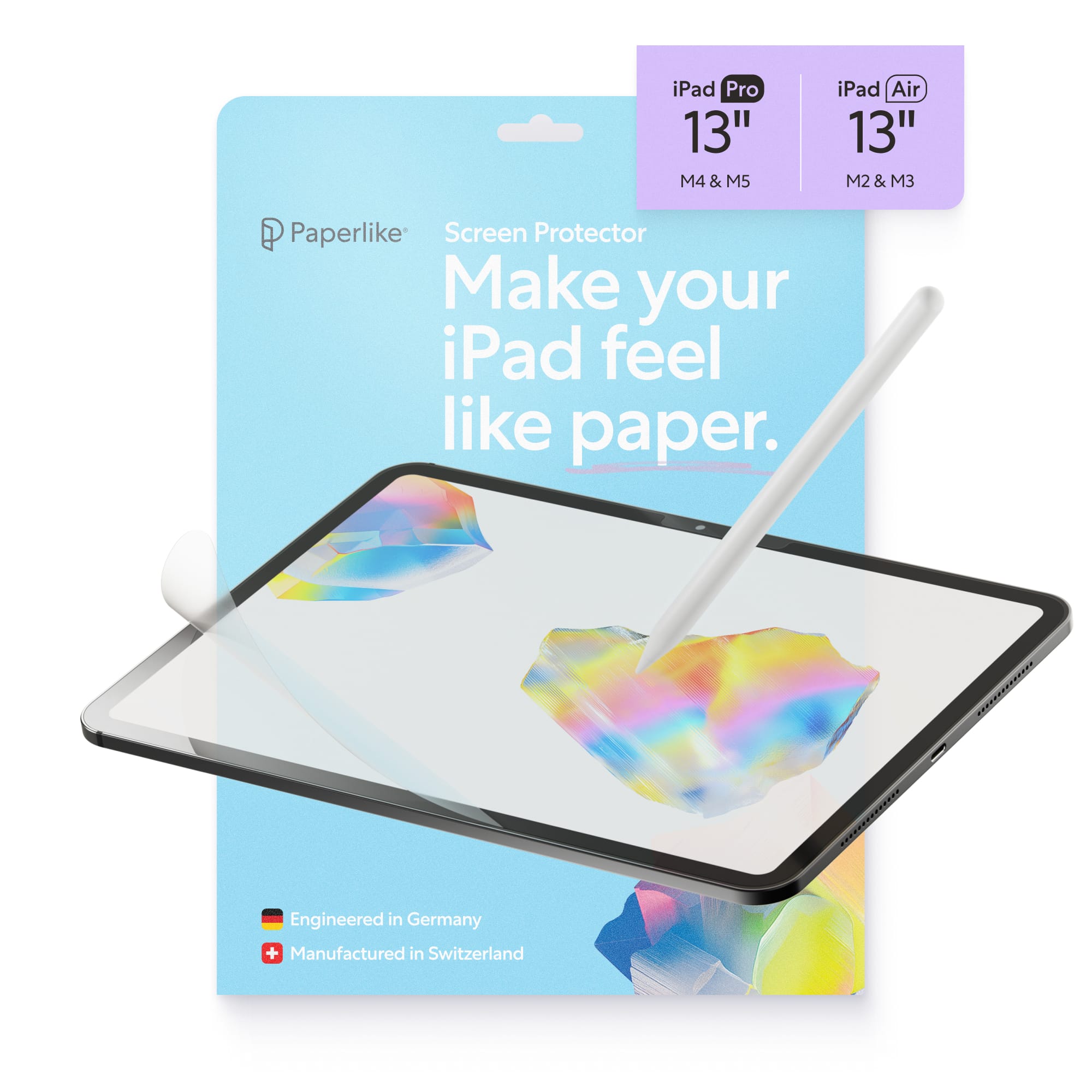
Glass is slippery under a Pencil, and handwriting on it tends to skate. Paperlike's protector adds a fine matte texture that gives the tip something to grip, making strokes steadier and drawing feel closer to pen on paper. Paperlike 3 is a two-pack at $49.99 with an application kit, cut for specific iPad sizes — order the one for your exact model. Trade-offs: the matte surface slightly softens display sharpness, and the texture wears Pencil tips faster than bare glass. If you rarely write by hand, skip it.
Standout features:
- Paper-like matte texture for more controlled handwriting and drawing
- Two protectors per pack; alignment and cleaning kit included
- Cut for specific iPad Pro, Air, and mini sizes
Price & where to buy: $49.99 at Paperlike, as of November 11, 2026 — Buy the Paperlike 3 Screen Protector at Paperlike
Who it's for: Students and artists who write or draw daily and dislike pen on glass.
Bottom line
Start with the Pencil Pro at $99 if your iPad supports it — it adds a capability the tablet lacks, and it is $30 off this week. Add the Magic Keyboard ($250, 13-inch Air) if you type for a living, or the Combo Touch ($229.99) if the iPad travels in a bag. The Smart Folio ($79), Anker 341 ($39.99), and Paperlike 3 ($49.99) are targeted fixes — buy the one that solves your actual annoyance, and check your exact model before ordering.


Member discussion