
Best Home NAS Drives of 2026
A home NAS ends the cloud-storage bill, but every box here is sold diskless. We compare the five best 2026 models, with prices verified October 30, 2026.

A home NAS is the simplest way to stop paying for cloud storage and keep your photos, backups, and media on drives you own. The catch in 2026 is that the box is only part of the bill — every pick here is sold diskless, so budget for NAS hard drives on top. Every price below was verified as of October 30, 2026. Two warnings up front: Synology's current models no longer transcode video in hardware, and 4-bay prices have been moving week to week.
Quick picks
- Synology DS925+ — Best overall: the most polished software here, ECC memory, and room to grow to nine bays
- Synology DS225+ — Best for beginners: a simple, quiet 2-bay starter NAS with the same easy DSM software
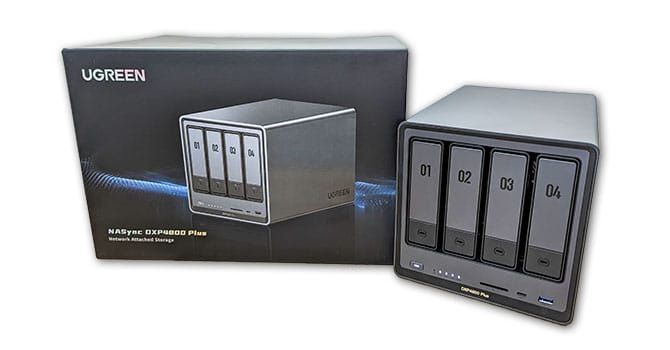
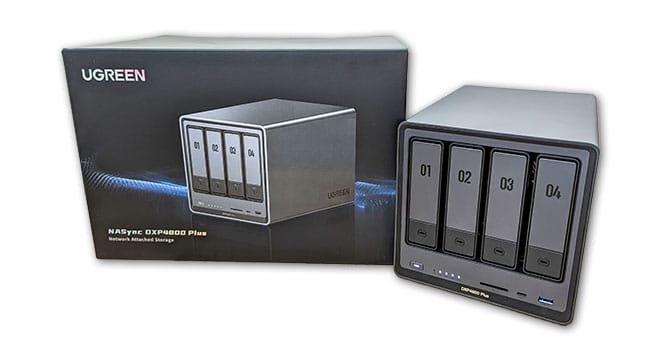
- UGREEN NASync DXP4800 Plus — Best for Plex and media: Intel graphics for hardware transcoding, plus a 10GbE port
- QNAP TS-464 — Best for power users: a PCIe expansion slot, HDMI output, and the deepest settings of any pick here
- TerraMaster F4-425 Plus — Best hardware value: 16GB of DDR5 and dual 5GbE for less than the other 4-bay boxes
How we picked
- Software first: the OS decides how easy backups, photos, and remote access feel day to day
- Drive bays and RAID: 2 bays for simple mirroring, 4 bays for RAID 5 and room to grow
- Networking speed: 2.5GbE is the floor; faster ports matter for large files
- Media transcoding: whether the chip converts video in hardware for Plex or Jellyfin
- Current, verified pricing: prices checked October 30, 2026, drives always costed separately
Synology DS925+ — Best overall
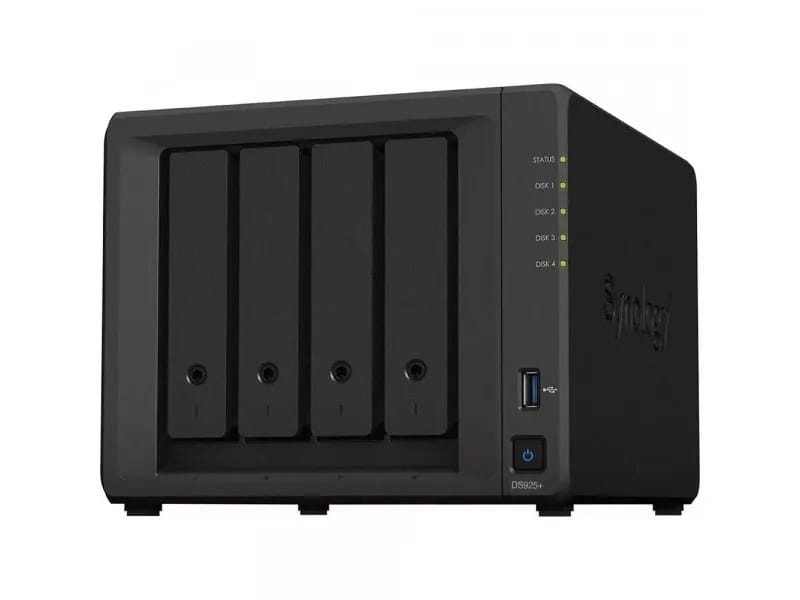
The DS925+ is the 4-bay to buy if you want the software to disappear into the background. Synology's DSM remains the most polished NAS operating system: backups for PCs and Macs, a strong photos app, file sync, snapshots, and surveillance tools all work without much tinkering. The hardware backs that up — an AMD Ryzen V1500B quad-core processor, 4GB of ECC memory expandable to 32GB, two 2.5GbE ports, and two M.2 slots for SSD cache. Two caveats: the Ryzen chip has no graphics engine, so it cannot transcode video in hardware for Plex (pick the UGREEN below for that), and Synology pricing has been volatile — listings moved between roughly $640 and $770 through October, so check the live price before you buy.
Standout features:
- 4 bays, expandable to 9 with a Synology expansion unit; two M.2 NVMe slots for cache
- 4GB ECC DDR4 memory, expandable to 32GB — ECC protects against silent memory errors
- Dual 2.5GbE ports; DSM software with backup, photos, sync, and surveillance apps
Price & where to buy: $765 at Amazon, as of October 30, 2026 — amazon.com (diskless; confirm the price at checkout)
Who it's for: Households and home offices that want the easiest, best-supported software and room to grow.
Synology DS225+ — Best for beginners
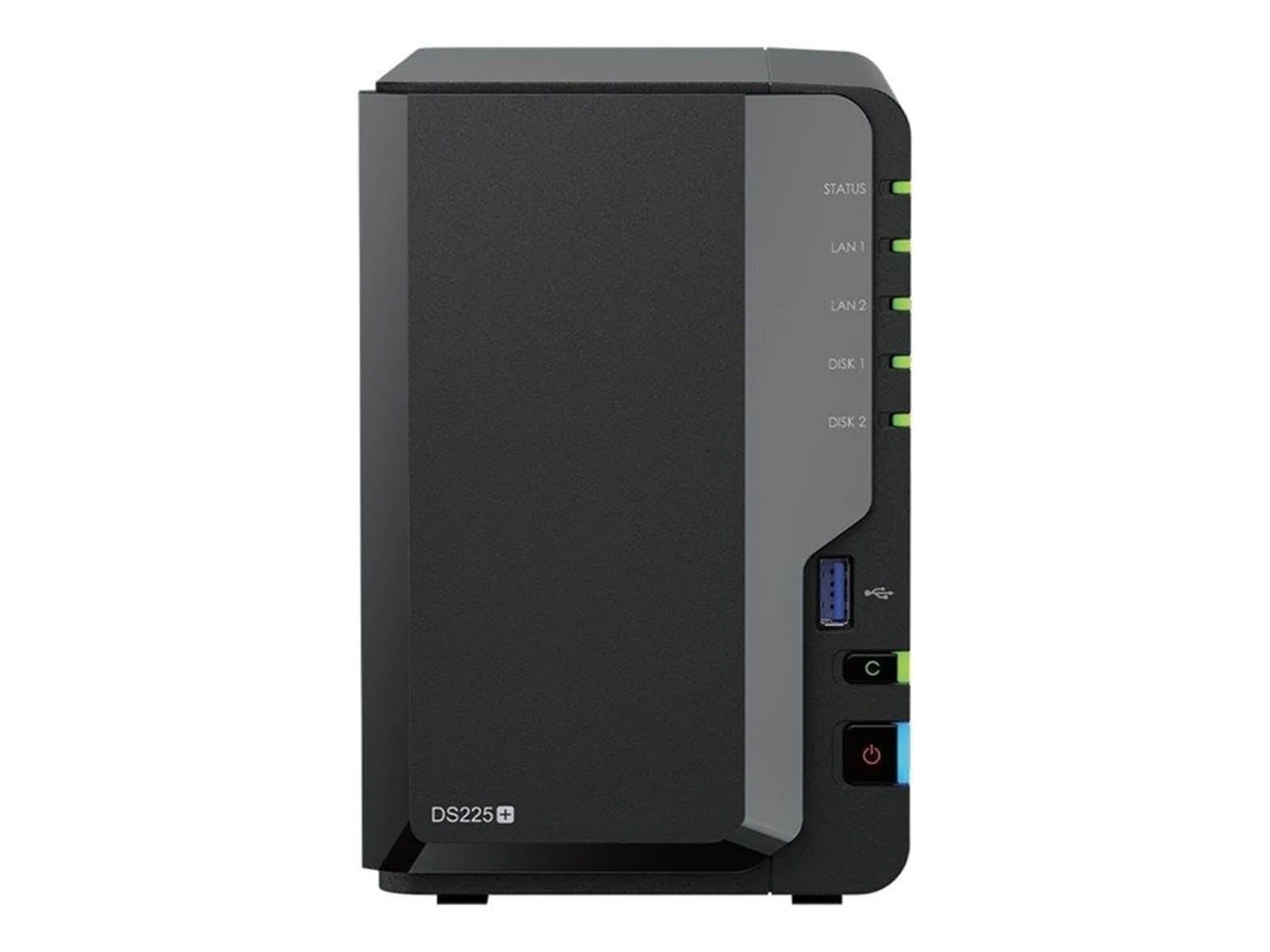
The DS225+ is the starter version of the same idea: two drive bays, the same DSM software, and a much lower price. Set the drives up as a mirrored pair and a single drive failure costs you nothing but a replacement disk. It runs an Intel Celeron J4125 with 2GB of memory (expandable to 6GB), has 2.5GbE and 1GbE ports, and sips power — a good fit for a box that stays on around the clock.
The limits are predictable: capacity tops out at whatever two drives hold, there are no M.2 slots, and Synology has disabled GPU access in DSM on this generation, so it does not hardware-transcode for Plex despite the Intel chip. For backups, photos, and file sharing, none of that matters.
Standout features:
- 2 bays with mirrored (RAID 1) protection; up to 40TB raw with two 20TB drives
- Same DSM software as the DS925+ — backups, Synology Photos, file sync, and snapshots
- Low power draw and a 2.5GbE port, so transfers are not stuck at gigabit speeds
Price & where to buy: $364.99 at Amazon, as of October 30, 2026 — amazon.com (diskless)
Who it's for: First-time NAS buyers who want simple, reliable backup and photo storage.
UGREEN NASync DXP4800 Plus — Best for Plex and media
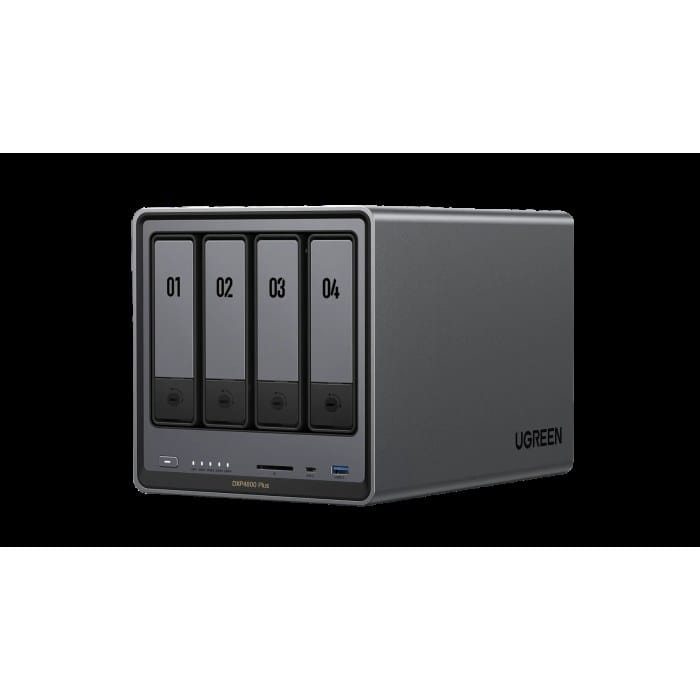
The DXP4800 Plus is the media-server pick, because it does the one thing the current Synology boxes cannot: hardware transcoding. Its Intel Pentium Gold 8505 has integrated graphics that convert video on the fly for Plex and Jellyfin, so films play smoothly on phones and TVs that cannot handle the original file. The rest of the hardware is a step up, too — 8GB of DDR5 (expandable to 64GB), 10GbE and 2.5GbE ports, two M.2 slots, a built-in 128GB system SSD, and 4K HDMI output.
UGREEN's UGOS Pro software is younger than DSM and QTS, with a smaller app catalog, but it covers the home essentials — backups, photos, Docker, and virtual machines — and accepts standard third-party drives without compatibility-list friction.
Standout features:
- Intel Pentium Gold 8505 with integrated graphics — hardware transcoding for Plex and Jellyfin
- 10GbE + 2.5GbE networking, the fastest built-in ports in this roundup
- 8GB DDR5 (up to 64GB), two M.2 slots, 128GB system SSD, and 4K HDMI output
Price & where to buy: $619.99 at Amazon, as of November 16, 2026 — amazon.com (diskless; list price $729.99)
Who it's for: Anyone building a Plex or Jellyfin server, plus creators who move large video files and can use 10GbE.
QNAP TS-464 — Best for power users
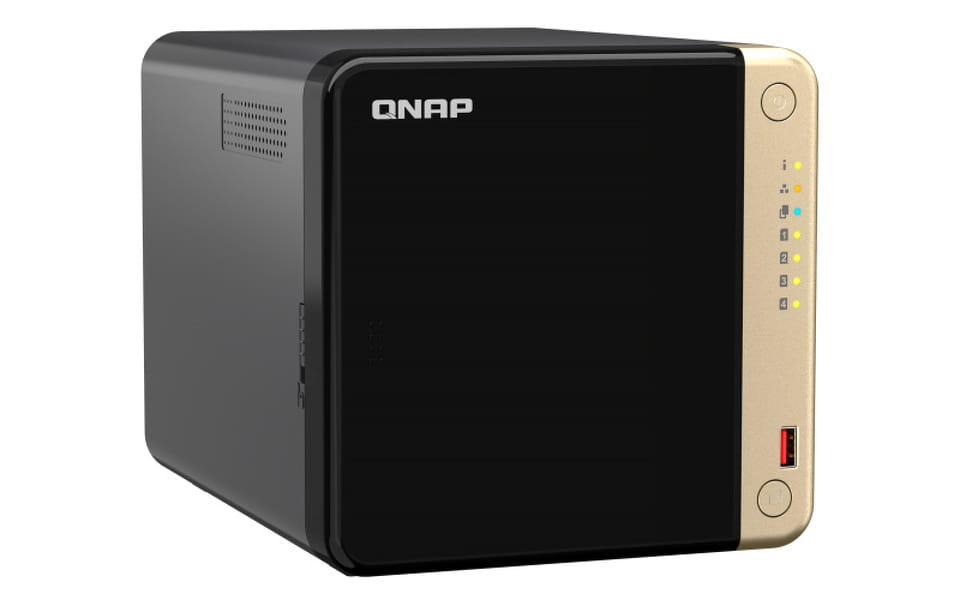
The TS-464 is the tinkerer's 4-bay. Beyond the expected two M.2 slots and dual 2.5GbE ports, it adds two things no other pick here offers: a PCIe slot, so you can add a 10GbE card later, and an HDMI output for running media straight to a TV. Its Intel Celeron N5095 has integrated graphics for hardware transcoding, it ships with 8GB of memory (up to 16GB), and QNAP's QTS exposes more settings and virtualization options than DSM does.
That depth cuts both ways — QTS takes more learning than Synology's software, and beginners will use a fraction of it.
Standout features:
- PCIe expansion slot — add 10GbE networking or more storage later
- Intel Celeron N5095 with integrated graphics for hardware transcoding; HDMI output
- 8GB RAM, two M.2 NVMe slots, and dual 2.5GbE ports
Price & where to buy: $639 at Amazon, as of October 30, 2026 — amazon.com (diskless; it was $509 during the October Prime event)
Who it's for: Power users who want expansion options, virtual machines, and the deepest settings menu in a home NAS.
TerraMaster F4-425 Plus — Best hardware value
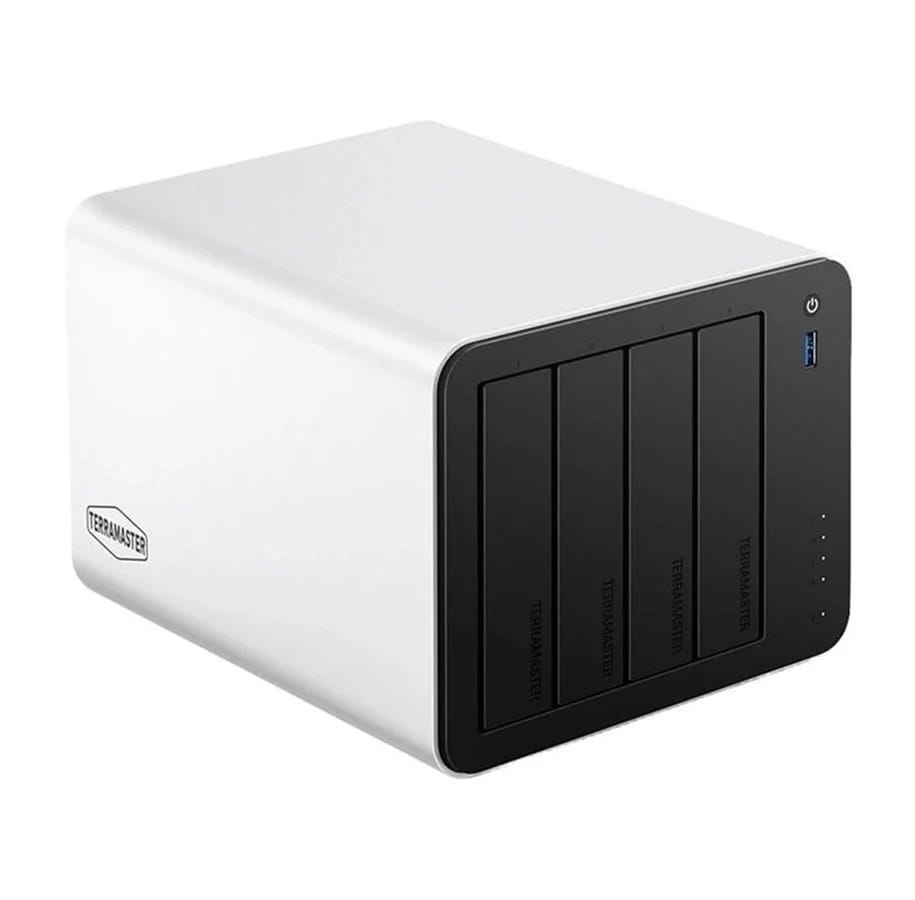
The F4-425 Plus wins on the spec sheet per dollar. For less than every other 4-bay pick here you get an Intel N150 processor, 16GB of DDR5 fitted as standard, dual 5GbE ports, and three M.2 slots — one more than anyone else — usable for SSD storage pools as well as cache. TerraMaster's TRAID mode is genuinely handy, too: it mixes different-sized drives more efficiently than classic RAID, so you can start with drives you already own.
The trade-off is software polish: TOS is functional for backups, media, and Docker, but less refined than DSM or QTS, with a smaller app ecosystem. If you will trade a slicker interface for stronger hardware for less money, this is the value end of the 4-bay market.
Standout features:
- 16GB DDR5 included — double or quadruple what the other 4-bay picks ship with
- Dual 5GbE ports and three M.2 slots for cache or SSD storage pools
- TRAID flexible RAID makes good use of mixed-size drives; up to 144TB total capacity
Price & where to buy: $599.99 at the TerraMaster Store, as of October 30, 2026 — terra-master.com (diskless)
Who it's for: Budget-minded enthusiasts who want the strongest hardware for the money and do not mind a less polished operating system.
Bottom line
Start with how many drives you need. For simple, set-and-forget backup, the DS225+ at $364.99 is enough for most homes. For a 4-bay that will last, the DS925+ at $765 has the best software and ECC memory — unless you stream with Plex, in which case the UGREEN DXP4800 Plus at $619.99 is the right pick and costs less. Power users should look at the QNAP TS-464 at $639 for its PCIe slot, ideally when its sale price returns, and hardware-per-dollar shoppers should take the TerraMaster F4-425 Plus at $599.99. And remember: the enclosure is the smaller cost — four NAS drives can cost more than the box.



Member discussion